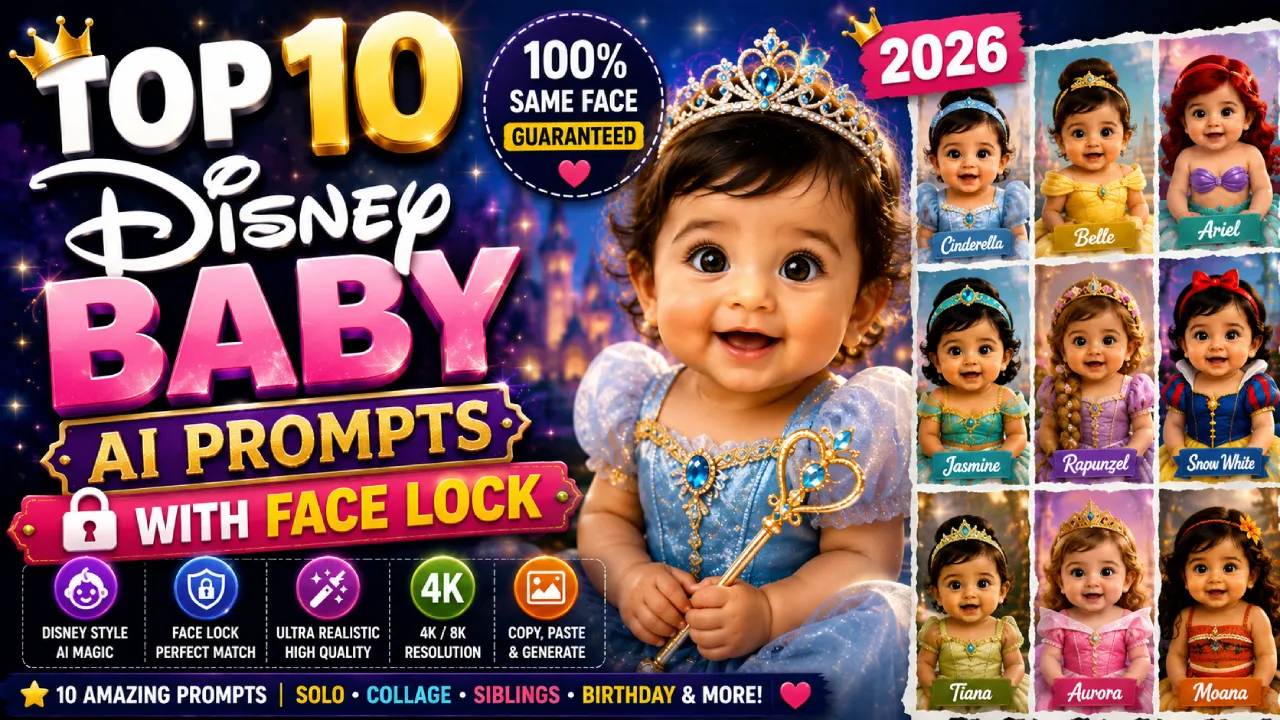
Disney baby AI photos are taking over Instagram, TikTok, and Facebook in 2026.
One scroll and you’ll see adorable baby versions of Cinderella, Belle, Ariel, and Rapunzel—complete with sparkling gowns, rosy cheeks, and magical backgrounds. They look like they came straight out of a Disney movie.
But there’s one problem almost everyone runs into.
You upload your baby’s photo, generate a beautiful princess portrait, and the result looks amazing.
Then you try a second prompt.
Suddenly, the face changes.
The eyes look different. The nose shifts. The skin tone becomes lighter or darker. In one image, it looks like your child. In the next, it looks like a completely different baby.
The magic is gone.
That’s where Face Lock prompts make all the difference.
A Face Lock prompt is a special instruction added to your AI prompt that tells the model to use your uploaded photo as the exact identity reference. It preserves the facial structure, skin tone, eye shape, and overall likeness across every generated image.
So whether you’re creating a single Disney princess portrait or a stunning 9-panel princess collage, your baby will look like the same child in every image.
In this guide, you’ll get 10 professionally crafted Disney Baby AI prompts with Face Lock that are ready to copy and use. These prompts are designed for parents, content creators, and social media enthusiasts who want consistent, high-quality Disney-inspired baby portraits without spending hours tweaking prompts.
From classic princess looks to magical birthday scenes and viral collage concepts, these prompts will help you create enchanting images that truly capture your baby’s identity.
Let’s turn your little one into the star of their own Disney fairytale.
What is a Face-Lock Prompt?
A face-lock prompt is a set of identity-preservation instructions added to your AI image prompt. It tells the model to reference the uploaded photo as the primary identity source and to avoid changing facial structure, skin tone, eye color, or proportions across any generated panel or variation.
These prompts are optimized for ChatGPT, Adobe Firefly, Midjourney, and AI photo platforms like Media.io, GetImg.ai, and OpenArt.
10 Face-Lock Disney AI Prompts
Click “Copy Prompt” on any card. Paste it into ChatGPT or your preferred AI image tool. Upload your photo first for best results.
9-Panel Disney Princess Multiverse
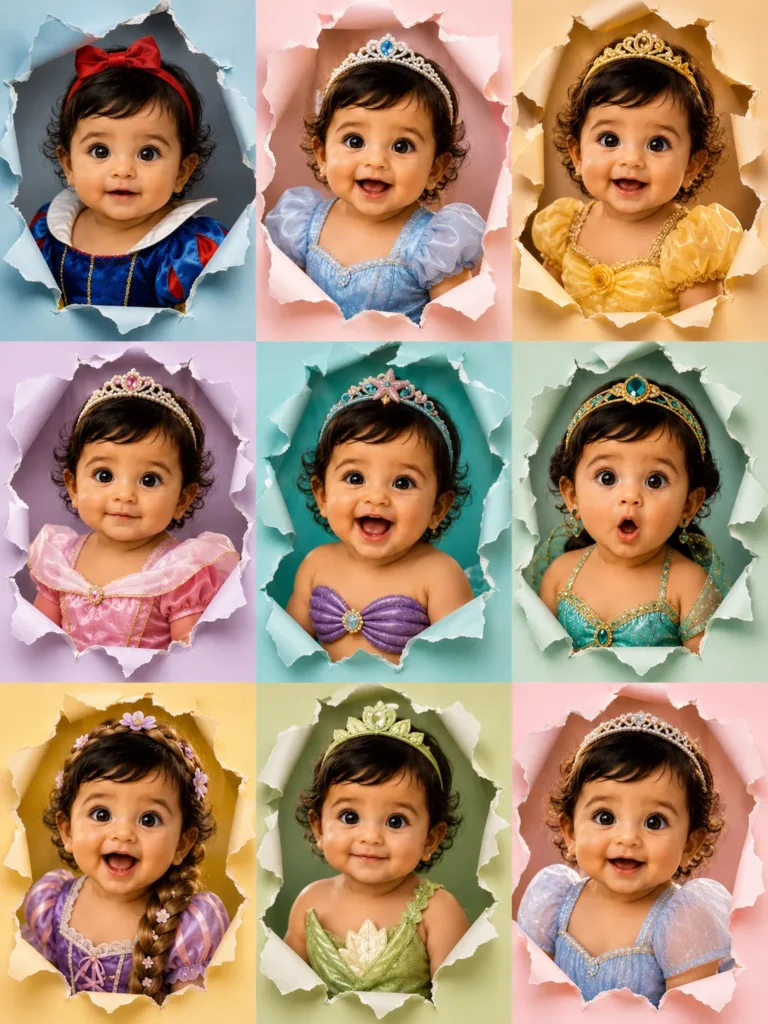
Create a 9-panel photorealistic Disney Princess Multiverse collage in 3:4 vertical format using the uploaded photo as a reference.
Maintain a strong resemblance to the person in the uploaded image, preserving key facial features, skin tone, and overall likeness so that she is clearly recognizable as the same person in each panel.
Each panel should feature:
– Realistic ripped paper burst effect
– Torn edges with curled flaps
– Inner shadows and 3D depth
– Different pastel background
Princess-inspired outfits:
1. Snow White
2. Cinderella
3. Belle
4. Aurora
5. Ariel
6. Jasmine
7. Rapunzel
8. Tiana
9. Original soft princess look
Expressions vary:
– Calm
– Smiling
– Laughing
– Surprised
– Playful
– Sleepy
Front-facing portraits only.
Soft studio lighting.
Ultra-detailed.
Luxury editorial finish.
Photorealistic.
No cartoon or illustration.
Single Princess Transformation
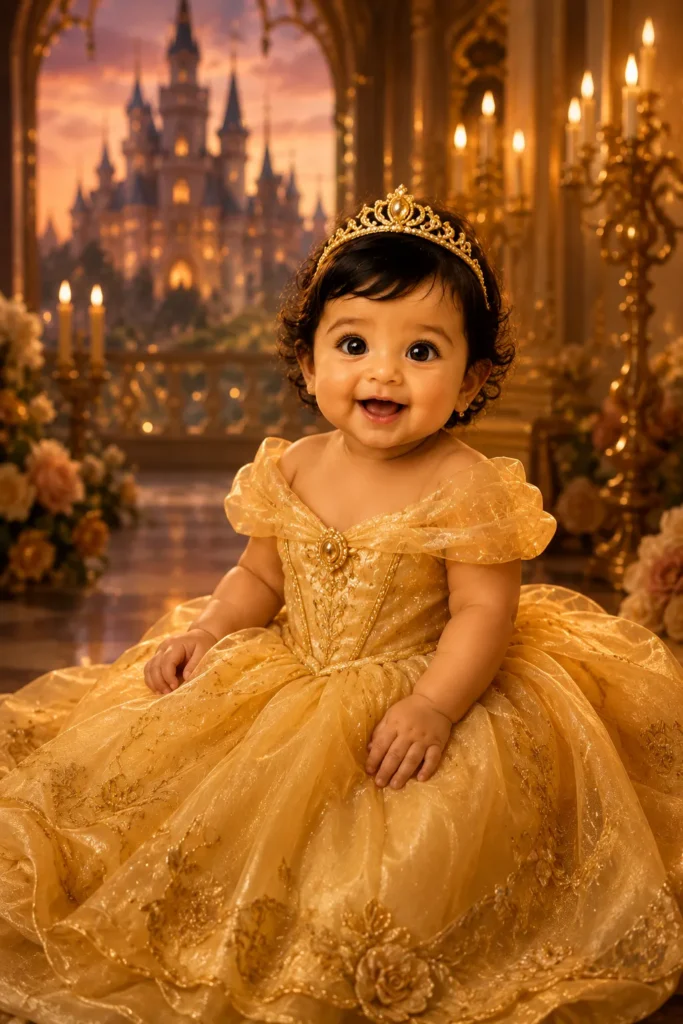
Reference the uploaded photo exactly. Preserve facial identity, skin tone, and eye color. Transform subject into one photorealistic Disney princess portrait. Choose: Belle in golden ballgown, enchanted castle background, warm candlelight, soft romantic studio lighting. Full front-facing pose, flowing fabric textures, delicate accessories, dreamy editorial finish. No cartoon, no face distortion.
Mother & Daughter Royal Portrait
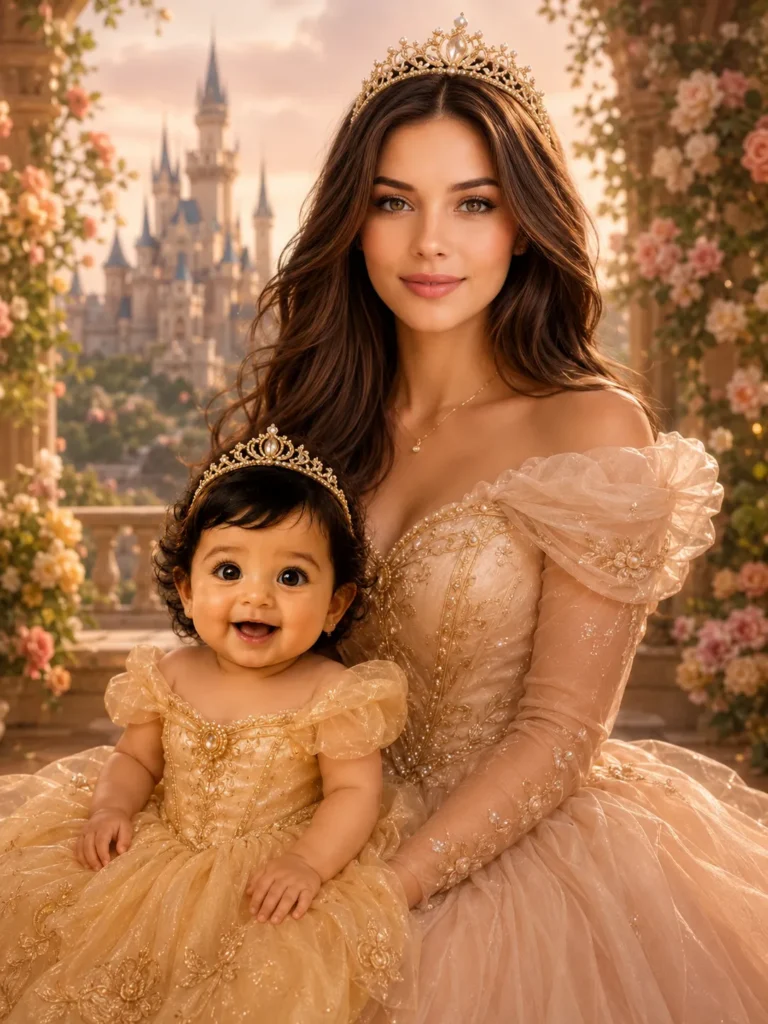
Use uploaded photo of mother and daughter as face reference. Preserve both identities exactly — faces, skin tones, proportions. Create a 3:4 vertical photorealistic Disney-inspired royal portrait. Both facing camera, joyful soft expressions, matching elegant princess gowns, subtle pearl crowns, pastel magical garden background. Warm studio lighting, emotional fairytale mood, premium editorial quality. No cartoon, no face change.
Twin / Siblings Disney Panel
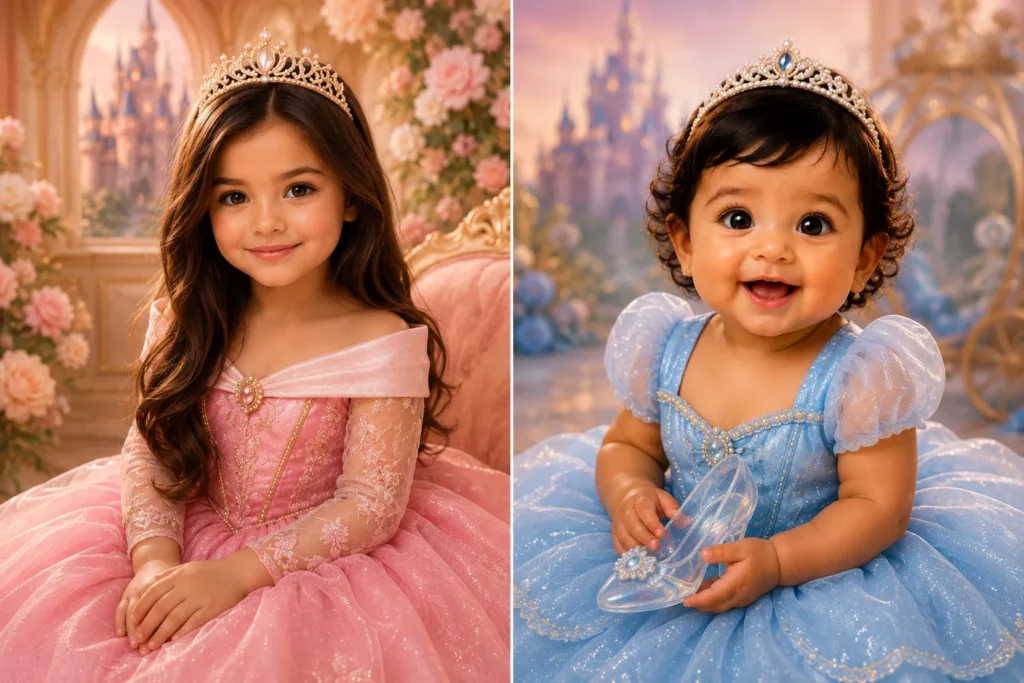
Use uploaded photo showing two children as reference. Lock both faces, skin tones, and features exactly. Create a 2-panel side-by-side Disney Princess collage. Left panel: older sibling as Aurora in pink gown, soft crown. Right panel: younger as Cinderella in blue gown, glass slipper detail. Matching pastel background, soft studio lighting, front-facing, joyful expressions, premium photorealistic editorial finish.
Newborn / Infant Princess (Soft Posed)
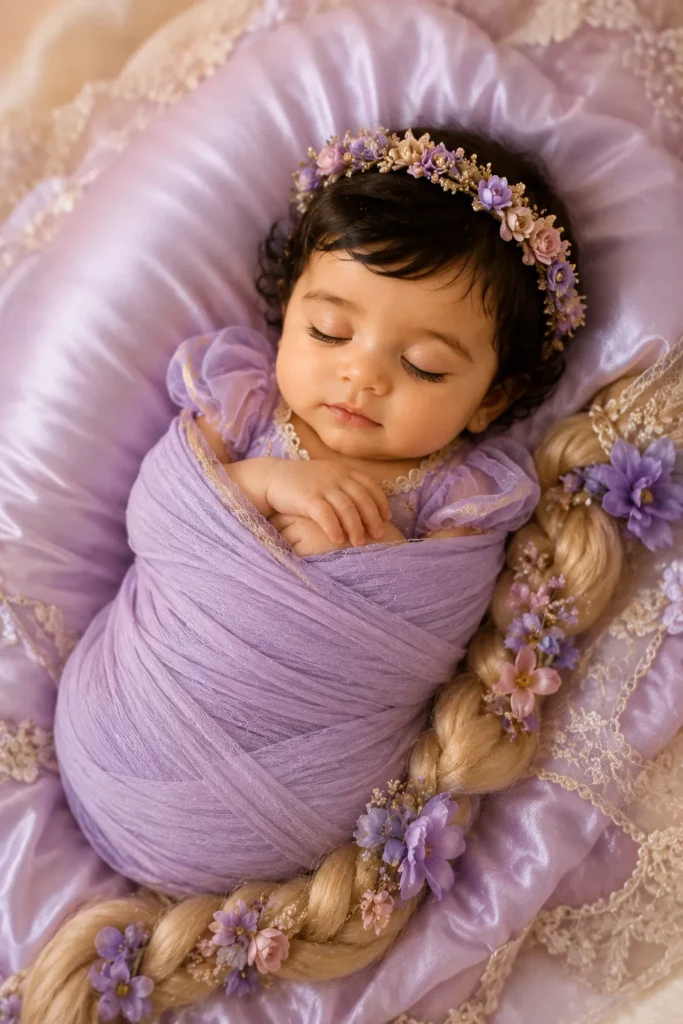
Uploaded photo is a newborn or infant. Preserve exact baby face, skin, and features. Create a soft photorealistic Disney-inspired princess portrait. Baby in delicate lavender Rapunzel-style wrap with tiny floral crown, nestled on silk cushion. Pastel dreamy background, ultra-soft diffused lighting, peaceful sleeping expression, no props larger than baby. Luxury newborn editorial aesthetic, no cartoon.
4-Panel Seasonal Princess Grid
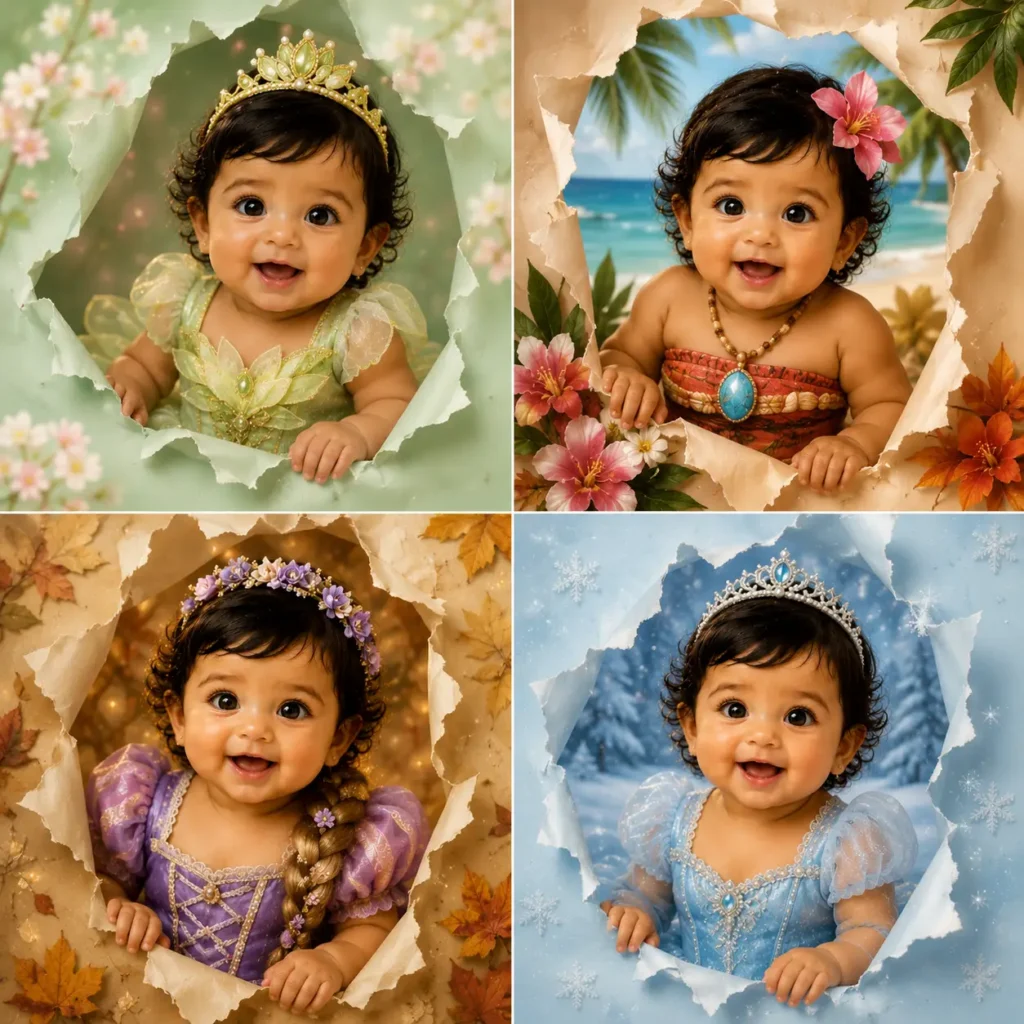
Use uploaded photo as face identity reference. Lock face exactly across all 4 panels. Create a 2×2 grid of seasonal Disney princess looks: Spring (Tiana, floral green), Summer (Moana, tropical), Autumn (Rapunzel, golden leaves), Winter (Elsa-inspired, ice blue). Each panel has ripped paper border, matching season background, soft lighting, front-facing expression. Clean grid layout, photorealistic, luxury finish.
Birthday Princess Collage
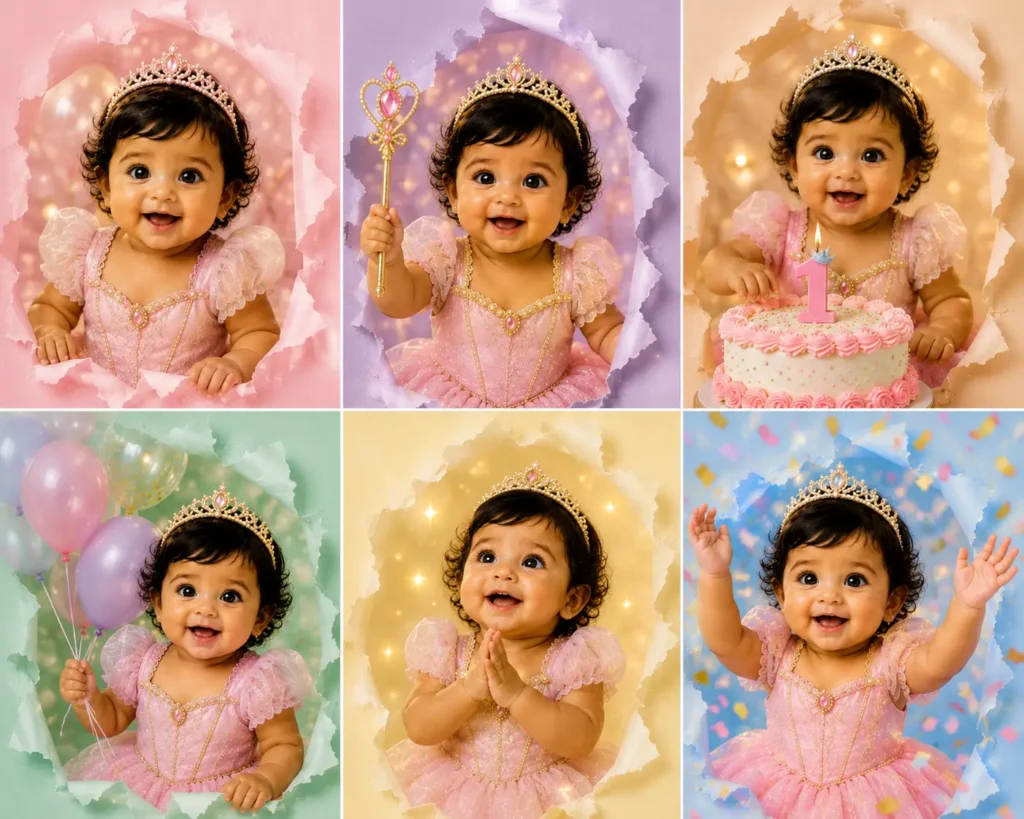
Use uploaded photo as strict face reference. Preserve exact identity in all panels. Create a 6-panel birthday princess collage. Subject appears in: party princess gown (pink), crown and wand pose, cake-cutting moment, balloon bouquet princess, magical wish expression, and confetti celebration look. Each panel: different pastel color background, ripped paper burst effect, joyful expressions, studio lighting, luxury editorial style. No cartoons.
Disney Villain Glow-Up Contrast Collage
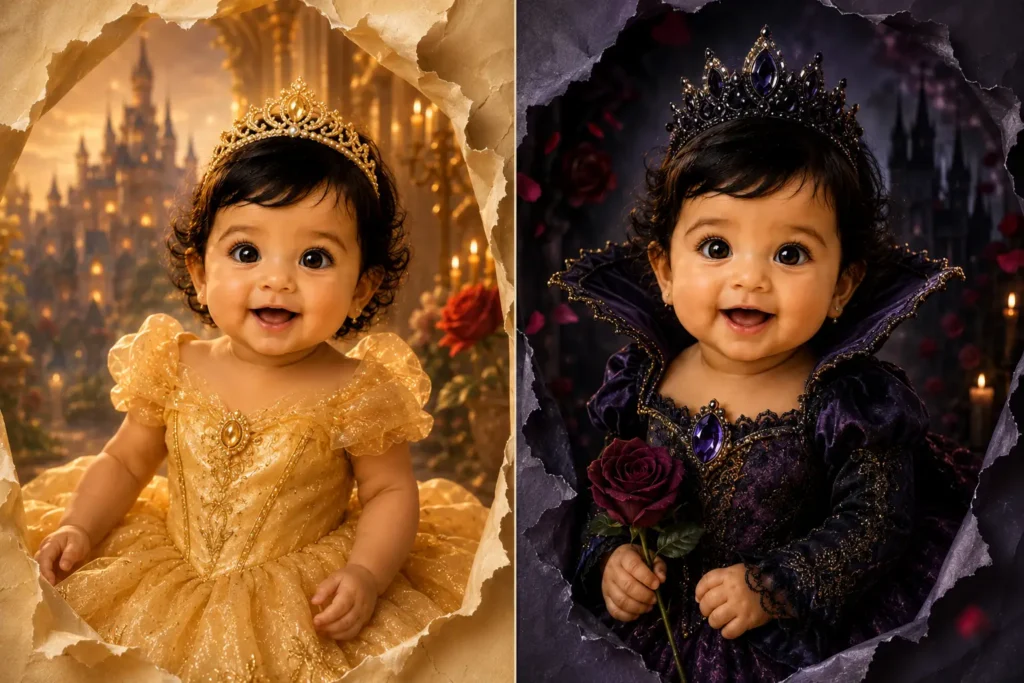
Use uploaded photo as face identity reference. Lock face exactly. Create a 2-panel contrast collage: Left panel — subject as soft Disney princess (Belle, golden gown, warm golden light, enchanted castle backdrop). Right panel — same face as an elegant Disney-inspired villain (dark jewel-toned gown, dramatic lighting, rose and shadow motifs). Both panels: photorealistic, front-facing, ripped paper border, premium editorial quality. No cartoon, identity preserved in both.
Face-Lock Solo Poster (Print-Ready)
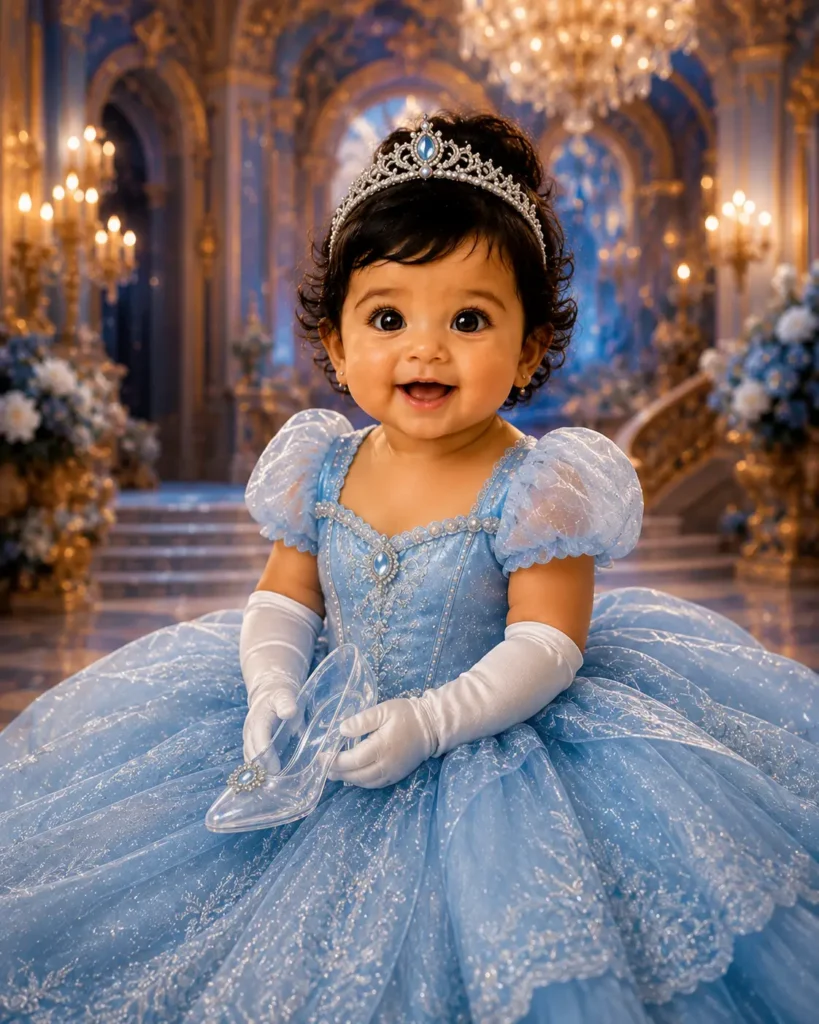
Upload photo is the identity reference. Lock exact face, skin tone, and eyes. Create a single vertical 4:5 photorealistic Disney princess poster. Subject as Cinderella: light blue ballgown, white gloves, soft updo, glass slipper detail, enchanted ballroom background with chandelier glow. Dramatic yet soft studio lighting, realistic fabric texture, editorial luxury finish, print-ready quality. No cartoon, no face alteration.
How to Use These Prompts
- Step 1 — Upload Photo: Use a clear, front-facing portrait. Good lighting helps AI lock identity across all panels.
- Step 2 — Copy Prompt: Click “Copy Prompt” on any card above. Each prompt is optimized for identity preservation.
- Step 3 — Paste & Generate: Paste into ChatGPT, Adobe Firefly, or your AI tool. Generate and download in high resolution.
- Step 4 — Share & Go Viral: Post to Instagram Reels, TikTok, or Facebook. These formats are optimized for shares and saves.
Frequently Asked Questions
Include explicit identity-lock instructions like “Use uploaded photo as strict face reference. Preserve exact face, skin tone, eyes, and facial proportions across all panels. Do NOT alter identity.” This signals the AI to treat your photo as the ground truth. If the face still shifts, add a reinforcement line at the end: “IDENTITY IS LOCKED. Match the uploaded face exactly.”
Yes. ChatGPT’s image generation can produce 9-panel collages. Use the face-lock prompts from this guide and upload a clear, well-lit, front-facing portrait for the best identity preservation results. DALL-E 4 (available in ChatGPT Plus) handles collage layouts significantly better than earlier versions.
All prompts on this page are completely free to copy and use. You will need an AI image generation tool to run them — many offer free tiers including ChatGPT (limited), Adobe Firefly (free plan available), and OpenArt. For unlimited commercial-quality generation, paid plans typically offer better results.