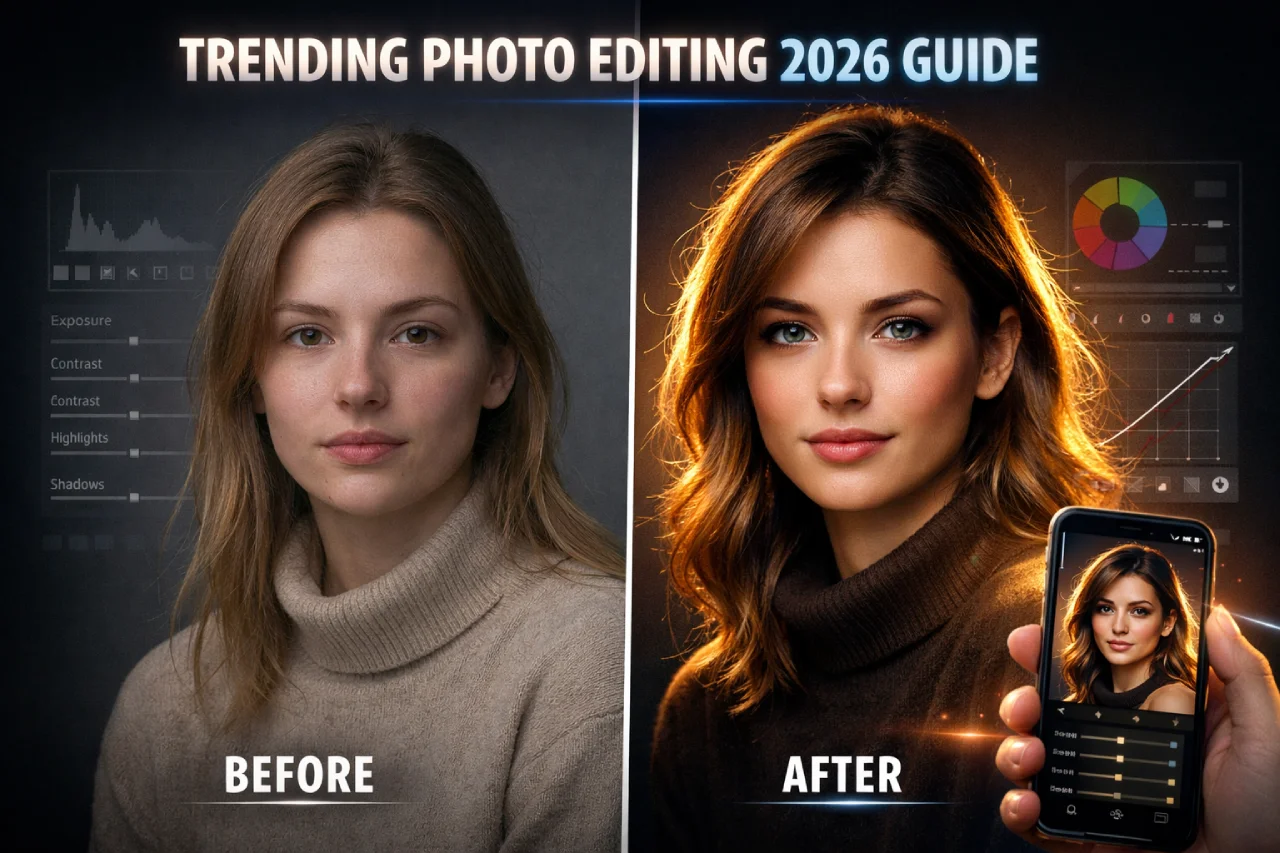
In 2026, trending photo editing is no longer just about filters. It’s about storytelling, AI precision, cinematic lighting, and scroll-stopping visuals.
If you’re an Indian creator, wedding photographer, Instagram influencer, or mobile editor — this guide will show you:
- Exact slider settings
- AI photo editing prompts 2026
- Gemini photo editing workflows
- Viral Instagram edits formula
- Mobile photo editing settings that actually work
Let’s go deep. No fluff. Just results.
Why Trending Photo Editing Matters in 2026
Let’s be honest.
Instagram is no longer about posting a “good” photo.
It’s about posting a scroll-stopping photo.
In 2026, trending photo editing is driven by:
- AI-generated enhancements
- Cinematic rim lighting
- Soft pastel Indian skin tones
- Hyper-real portrait sharpness
- Dramatic sky replacements
Creators aren’t searching “how to edit photo.”
They’re searching:
- “AI photo editing prompts 2026”
- “Gemini photo editing tutorial”
- “viral Instagram edits settings”
Why?
Because speed matters.
But here’s the issue — most websites give only prompts. They don’t explain exposure control, tone balance, export compression, or mobile photo editing settings properly.
And that’s where most creators go wrong.
Editing isn’t about extreme effects. It’s about controlled enhancement.
Small lighting tweaks. Balanced shadows. Clean highlights.
That’s what makes content premium.
Top Visual Trends Ruling Social Media
Cinematic Hollywood golden hour portrait.
Warm sunset backlight creating golden rim light around hair and shoulders.
Soft diffused key light on face.
Shallow depth of field (85mm lens, f/1.8).
Natural skin texture preserved.
Rich warm highlights, soft shadows.
Background softly blurred city skyline.
Film color grading, Kodak Portra tones.
Ultra realistic, cinematic, high dynamic range.
Professional movie still.
Neo-noir cinematic portrait.
Low key lighting.
Single dramatic side light from 45 degrees.
Deep shadows with controlled contrast.
Cool blue and teal color grading.
Subtle rim light separating subject from dark background.
Wet street reflection bokeh behind.
50mm cinematic lens.
Film grain.
High detail skin texture.
Movie thriller atmosphere.
This is dominating Instagram reels.
Key elements:
- Soft golden rim light
- Slightly cool shadows
- Depth-blurred background
- Skin texture preserved
It feels like a Netflix frame — but shot on mobile.
Festival Glow Edits (Holi, Diwali, Weddings)
Cinematic Holi festival portrait.
Bright natural daylight.
Color powder (gulal) mid-air around subject.
Soft warm sunlight from back creating rim glow.
Pink, yellow, blue color splashes in air.
High shutter freeze effect.
Sharp focus on eyes.
Shallow depth of field.
Vibrant color grading.
Natural skin texture preserved.
Joyful expression.
Ultra realistic photography.
Festival atmosphere.
Diwali festival cinematic portrait.
Warm golden diya light illuminating face.
Soft candlelight flicker effect.
Fairy lights bokeh in background.
Rich golden-orange color grading.
Soft shadows with warm highlights.
Festive traditional atmosphere.
Shallow depth of field.
Ultra realistic skin texture.
Elegant and peaceful mood.
Cinematic festive lighting.
Bright. Energetic. Vibrant.
I once tested a Holi edit on a friend’s wedding photo. Added golden sunlight effect + subtle magenta splash.
Engagement doubled in 48 hours.
Why?
Because lighting emotion matters more than saturation.
Moody Street Instagram Look
Moody street portrait at night.
Urban city background with soft bokeh lights.
Low key lighting.
Single soft side light on face.
Deep shadows with cinematic contrast.
Cool blue and teal color grading.
Sharp focus on eyes.
Shallow depth of field.
Wet street reflections.
Subtle film grain.
High-end DSLR realism.
Instagram aesthetic.
Rainy night urban portrait.
Soft rain droplets visible.
Street lights reflecting on wet ground.
Neon signs in background.
Backlight creating rim glow.
Moody teal and orange color grading.
Sharp subject focus.
Soft haze atmosphere.
Ultra realistic lighting.
Editorial Instagram photography style.
- Dark shadows
- Teal highlights
- Warm orange skin tones
- Slight dehaze
Perfect for reels & urban creators.
Soft Luxury Influencer Aesthetic
Soft luxury influencer portrait.
Natural window light from side.
Cream and beige interior background.
Soft shadows with smooth highlight rolloff.
Neutral warm color palette.
Minimalistic high-end aesthetic.
Shallow depth of field.
Sharp eye focus.
Ultra detailed natural skin texture.
Editorial Instagram luxury vibe.
Professional fashion photography.
Minimal luxury portrait.
All white background and outfit tones.
Soft diffused lighting.
High-key exposure but balanced.
Subtle warm undertones.
Clean influencer Instagram style.
Natural skin detail preserved.
Luxury skincare brand aesthetic.
Shallow depth of field.
Ultra realistic DSLR quality.
- Low contrast
- Creamy whites
- Subtle warmth
- Minimal grain
Looks expensive without looking fake.
Hyper-Sharp AI Portrait
Ultra sharp studio portrait.
High resolution 8K clarity.
Crisp facial detail.
Visible natural skin pores.
Professional softbox lighting.
Clean neutral background.
Sharp focus on eyes.
High micro-contrast.
Balanced highlights and shadows.
DSLR realism.
Editorial photography quality.
Hyper realistic AI portrait.
Extreme sharpness.
Micro skin texture visible.
Crystal clear eyes.
Natural catchlight.
High dynamic range.
Balanced exposure.
Clean soft background blur.
Professional headshot lighting.
Ultra detailed realism.
- Eyes sharpened
- Skin natural
- Background depth added
Used heavily in Gemini photo editing workflows.
Tools Indian Creators Are Using
| Tool | Best For |
|---|---|
| Gemini AI | Text → advanced creative edits |
| Lightroom Mobile | Professional color grading |
| Snapseed | Quick mobile enhancement |
| Canva Photo Editor | Social-ready formatting |
| Hypic | Viral face glow |
| Pixlr | AI background removal |
That’s the real secret.
For learning advanced color theory, Adobe’s official resources are helpful: Lightroom
Step-By-Step Trending Photo Editing Workflow (Exact Settings Included)
This is where competitors don’t go deep.
STEP 1: Base Correction (Lightroom Mobile)
Exposure: +0.40
Contrast: -5
Highlights: -60
Shadows: +45
Whites: +10
Blacks: -12
Why reduce highlights heavily?
Because trending photo editing keeps skin smooth without harsh shine.
STEP 2: Color Correction
Temp: +8
Tint: +6
Vibrance: +18
Saturation: +5
HSL Settings
Red
Hue: +5
Saturation: -8
Luminance: +10
Orange
Hue: -3
Saturation: +10
Luminance: +18
Blue
Hue: -12
Saturation: -15
Luminance: -10
This gives cinematic depth + soft Indian skin tone.
STEP 3: Creative Effects
Texture: -10
Clarity: +8
Dehaze: +5
Vignette: -18
Grain: 12
Add Radial Mask on face:
Exposure: +0.25
Sharpness: +15
Small adjustments. Big difference.
STEP 4: Gemini Photo Editing Prompt
Upload image and use:
Enhance lighting naturally, add soft golden rim light from right side, preserve skin texture, keep background depth realistic, do not over smooth.
Avoid plastic skin.
STEP 5: Export Settings (Instagram Optimized)
Format: JPEG
Quality: 85%
Resolution: 1080×1350
Color Profile: sRGB
Sharpen for screen
Never export 100%. Instagram compresses anyway.
3 Mini Before/After Case Examples
Case 1 – Outdoor Portrait
Before: Flat lighting
After: Sky luminance -15, subject exposure +0.3 → premium depth feel
Case 2 – Wedding Couple
Before: Yellow tone
After: Temp -6, Tint +4, Highlights -55 → natural skin balance
Case 3 – Street Shot
Before: Overexposed road
After: Dehaze +7, Blacks -15 → cinematic mood
25 Copy-Paste AI Photo Editing Prompts 2026
1–5: Lifestyle & Portrait Photography
- Candid portrait of a woman in soft morning light, hair slightly windblown, 85mm lens, natural skin texture, no makeup retouching, subtle motion blur.
- Young man reading by a window, diffused daylight, soft color palette, visible texture in shirt fabric, gentle depth of field.
- Two friends laughing in a coffee shop, handheld camera feel, reflections on glass, warm film-grade tones.
- Child running through grass field, sun flare at frame edge, golden-hour glow, slight motion blur, natural exposure falloff.
- Editorial portrait, natural smile, soft key light from the side, visible pores, muted tonal contrast.
more copy past ai realstic photo editing prompt
Exact Slider Settings for 5 Popular Apps
Snapseed
Brightness: +18
Contrast: -5
Ambiance: +28
Highlights: -35
Shadows: +30
Structure: +8
Lightroom Mobile
Exposure: +0.4
Highlights: -55
Shadows: +45
Temp: +8
Vibrance: +18
Grain: 12
Hypic
Skin Smooth: 15
Face Slim: 0
Glow: 20
Sharpness: 18
Canva Photo Editor
Brightness: +10
Contrast: -8
Tint: +4
Warmth: +9
Clarity: +6
Gemini
Use descriptive prompts instead of sliders:
Enhance naturally, keep shadows soft, preserve face identity.
How to Make Edits Feel Human (Not Fake)
Very important.
Avoid:
- Over smooth skin
- Extreme HDR
- Artificial sky
- Heavy face reshape
Instead:
✔ Keep small imperfections
✔ Maintain real shadow depth
✔ Avoid extreme reshaping
✔ Balance saturation
If edit looks “too perfect” — reduce clarity by -5.
Natural > Artificial.
Ethics & Privacy Quick Guide
- Never edit someone’s face without permission
- Avoid AI face replacement
- Don’t fake luxury lifestyle
- Disclose AI edits in commercial work
Trust builds brand.
FAQ
Current viral editing styles popular on Instagram and reels.
Combination works best.
Snapseed + Canva.
No. Manual grading still needed.
Over smoothing + high saturation.
JPEG 85%.
No. They save time.
Every 6–8 months.
Conclusion
Trending photo editing in 2026 is not about heavy filters — it’s about controlled enhancement, cinematic lighting, and natural skin tones.
The winning formula:
✔ Smart AI prompts
✔ Balanced Lightroom settings
✔ Soft highlights & clean shadows
✔ Realistic texture (no plastic skin)
✔ Optimized Instagram export
Small adjustments create premium results.
Use AI for speed.
Use manual grading for perfection.
Always choose natural over artificial.
Master the basics — and you won’t chase trends, you’ll set them.