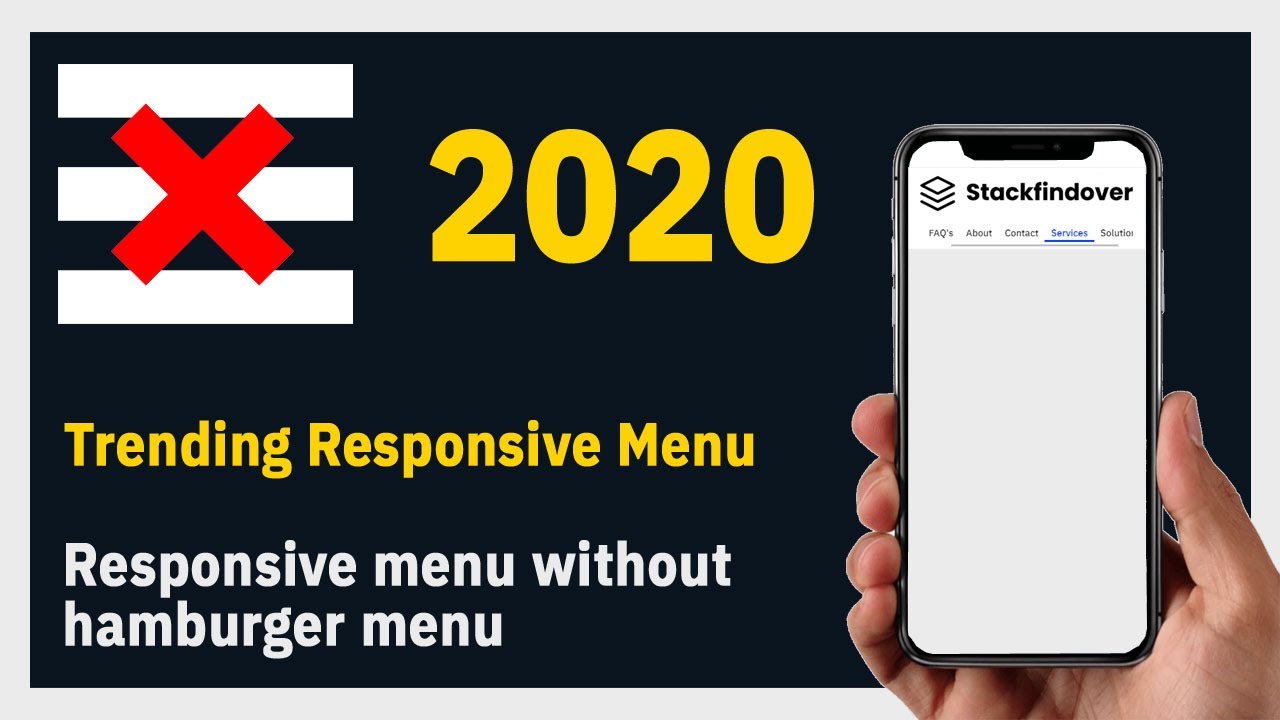
Hello guys today we will learn trending responsive menu 2020 HTML & CSS
First, we need to create two files index.html and Style.css then we need to do code for it.
Step:1
Add below code inside index.html
<!DOCTYPE html>
<html>
<head>
	<title>Responsive Grid</title>
	<meta name="viewport" content="width=device-width, initial-scale=1.0">
	<link rel="stylesheet" type="text/css" href="style.css">
	<link href="https://fonts.googleapis.com/css2?family=IBM+Plex+Sans:wght@500&display=swap" rel="stylesheet">
</head>
<body>
	<header id="header">
		<div class="container">
			<div class="gridRow">
				<div class="branding">
					<div class="logo"><a href="#"><img src="logo.png" alt="logo"></a></div>
				</div>
				<nav class="navbar">
					<ul class="menu-list">
						<li class="menu-item"><a href="#">Home</a></li>
						<li class="menu-item"><a href="#">FAQ's</a></li>
						<li class="menu-item"><a href="#">About</a></li>
						<li class="menu-item"><a href="#">Contact</a></li>
						<li class="menu-item"><a href="#">Services</a></li>
						<li class="menu-item"><a href="#">Solutions</a></li>
					</ul>
				</nav>
			</div>
		</div>
	</header>
</body>
</html>
Step:2
Then we need to add code for style.css which code i provide in below screen.
*{
  padding: 0;
  margin: 0;
  font-family: 'IBM Plex Sans', sans-serif;
  color: #333;
}
body {
    margin: 0;
    padding: 0;
    background: #ebebeb;
    width: 100%;
}
.container {
    width: 100%;
    max-width: 1160px;
    margin: auto;
}
.menu-list {
    list-style: none;
}
.menu-list > li {
    display: inline-block;
    padding: 0 10px;
}
.menu-list > li > a:hover {
    box-shadow: inset 0px -5px 0px #0037ff;
    color: #0037ff;
}
.menu-list > li > a {
    text-decoration: unset;
    font-size: 18px;
    line-height: 30px;
    padding: 5px 10px;
    transition: box-shadow 0.5s ease-in-out;
}
.gridRow {
    display: grid;
    grid-template-columns: 20% 80%;
    align-items: center;
    justify-content: center;
}
.logo img {
    width: 100%;
    max-width: 420px;
    display: block;
}
nav.navbar {
    text-align: end;
}
.branding {
    padding: 10px 0;
}

@media only screen and (max-width: 767px) and (min-width: 100px) {
    header#header {
        background: #fff;
    }
    .container {
        max-width: 90%;
        margin: auto;
    }
    .menu-list {
        display: flex;
        overflow: auto;
        padding: 10px 0;
    }
    header#header .gridRow {
        grid-template-columns: 100%;
    }
    .menu-list > li {
        padding: 0;
    }
    .menu-list > li > a {
        font-size: 15px;
    }
    .menu-list > li > a:hover {
        box-shadow: inset 0px -3px 0px #0037ff;
    }
}

@media only screen and (max-width: 1200px) and (min-width: 768px) {
    .container {
        max-width: 95%;
    }
     header#header .gridRow {
        grid-template-columns: 25% 75%;
    }
    .menu-list > li {
        padding: 0;
    }
    .menu-list > li > a {
        font-size: 18px;
    }
}