
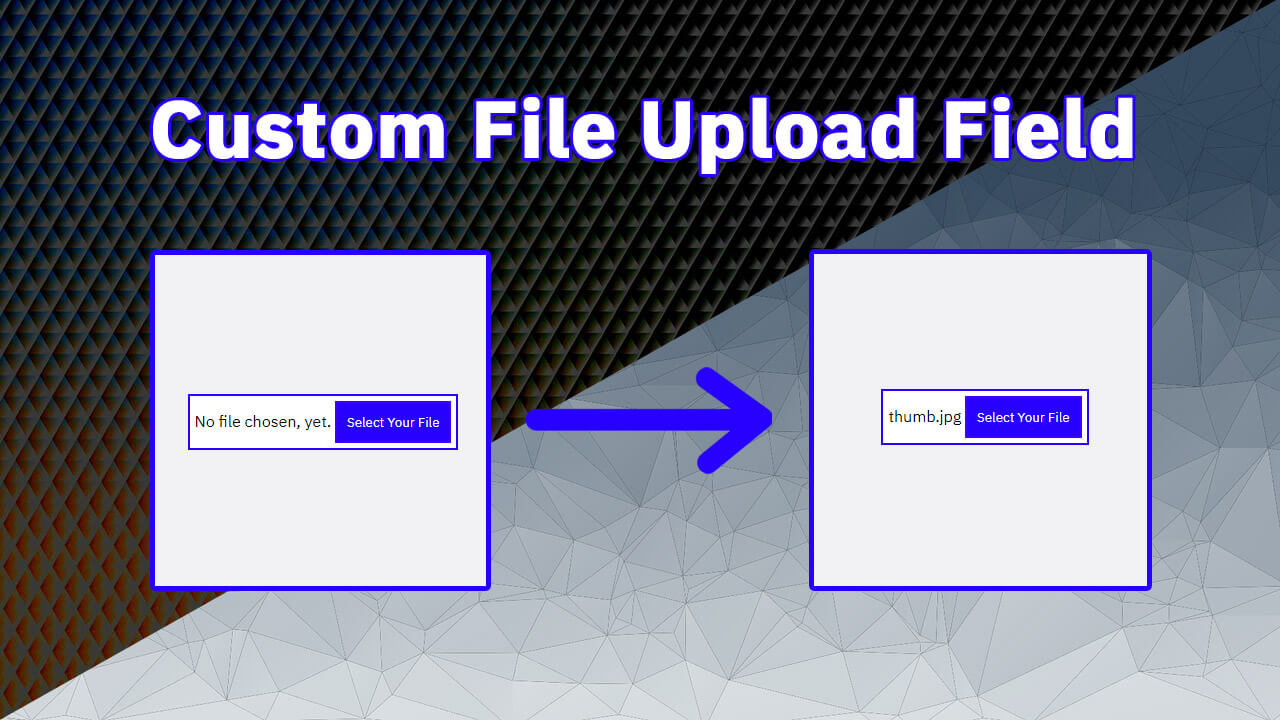
Hello guys in this tutorial we will create custom file upload button using Html Css & javaScript
First we need to create two files index.html and style.css then we need to do code for it.
Step:1
Add below code inside index.html
<!DOCTYPE html>
<html lang="en">
  <head>
    <meta charset="UTF-8" />
    <title>Custom File Upload Field</title>
    <meta name="viewport" content="width=device-width, initial-scale=1.0" />
    <meta https-equiv="X-UA-Compatible" content="ie=edge" />
    <link rel="stylesheet" href="style.css" />
    <link href="https://fonts.googleapis.com/css2?family=IBM+Plex+Sans:wght@400;500&family=IBM+Plex+Serif:wght@300;400&display=swap" rel="stylesheet">
  </head>
  <body>
    <div class="form-outer">
      <form class="form">
        <input type="file" hidden="hidden" id="file" />
        <span id="custom-msg">No file chosen, yet.</span>
        <button type="button" id="upload-button">Select Your File</button>
      </form>
    </div>

    <script type="text/javascript">
      const fileBtn = document.getElementById("file");
      const customBtn = document.getElementById("upload-button");
      const customTxt = document.getElementById("custom-msg");

      customBtn.addEventListener("click", function(){
        fileBtn.click();
      });
      fileBtn.addEventListener("change",function(){
        if (fileBtn.value) {
          customTxt.innerHTML = fileBtn.value.match(
            /[\/\\]([\w\d\s\.\-\(\)]+)$/
          )[1]
        }else {
          customTxt.innerHTML = "No file chosen, yet.";
        }
      });
    </script>
  </body>
</html>
Step:2
Then we need to add code for style.css which code i provide in below screen.
* {
    padding: 0;
    margin: 0;
    font-family: 'IBM Plex Sans', serif;
}
body {
    display: flex;
    align-items: center;
    justify-content: center;
    height: 100vh;
    background: #f1f2f3;
}
#upload-button {
    padding: 10px;
    color: #fff;
    background: #2700ff;
    border: 2px solid #3f00ff;
    cursor: pointer;
    outline: 0;
}
form.form {
    padding: 5px;
    background: #fff;
    border: 2px solid #2700ff;
}

![20+ CSS 3D Button Design Example [ CSS Button ]](https://blog.stackfindover.com/wp-content/uploads/2021/08/css-3d-button-1024x576.jpg)