Glowing effects used to be one of those “cool but unnecessary” UI tricks. Fast forward to now, and they’re everywhere — dashboards, SaaS landing pages, game interfaces, even tiny hover states you barely notice until they’re gone. When done right, a glow doesn’t scream for attention. It quietly pulls your eye where it needs to go.
I’ve been seeing the same thing again and again in modern projects: a small CSS glow can make buttons feel clickable, cards feel active, and interfaces feel less flat without touching JavaScript at all. That’s probably why CSS glowing effects are still being searched like crazy in 2026, despite all the new frameworks and UI libraries floating around.
In this post, I’m not overcomplicating things. I’ll break down how glowing effects actually work in CSS, what not to do (because over-glowing is very real), and share 25+ practical examples built with plain HTML and CSS. These aren’t flashy demos just for screenshots — they’re effects you can actually use in real projects.
How To Create a Glowing Effect
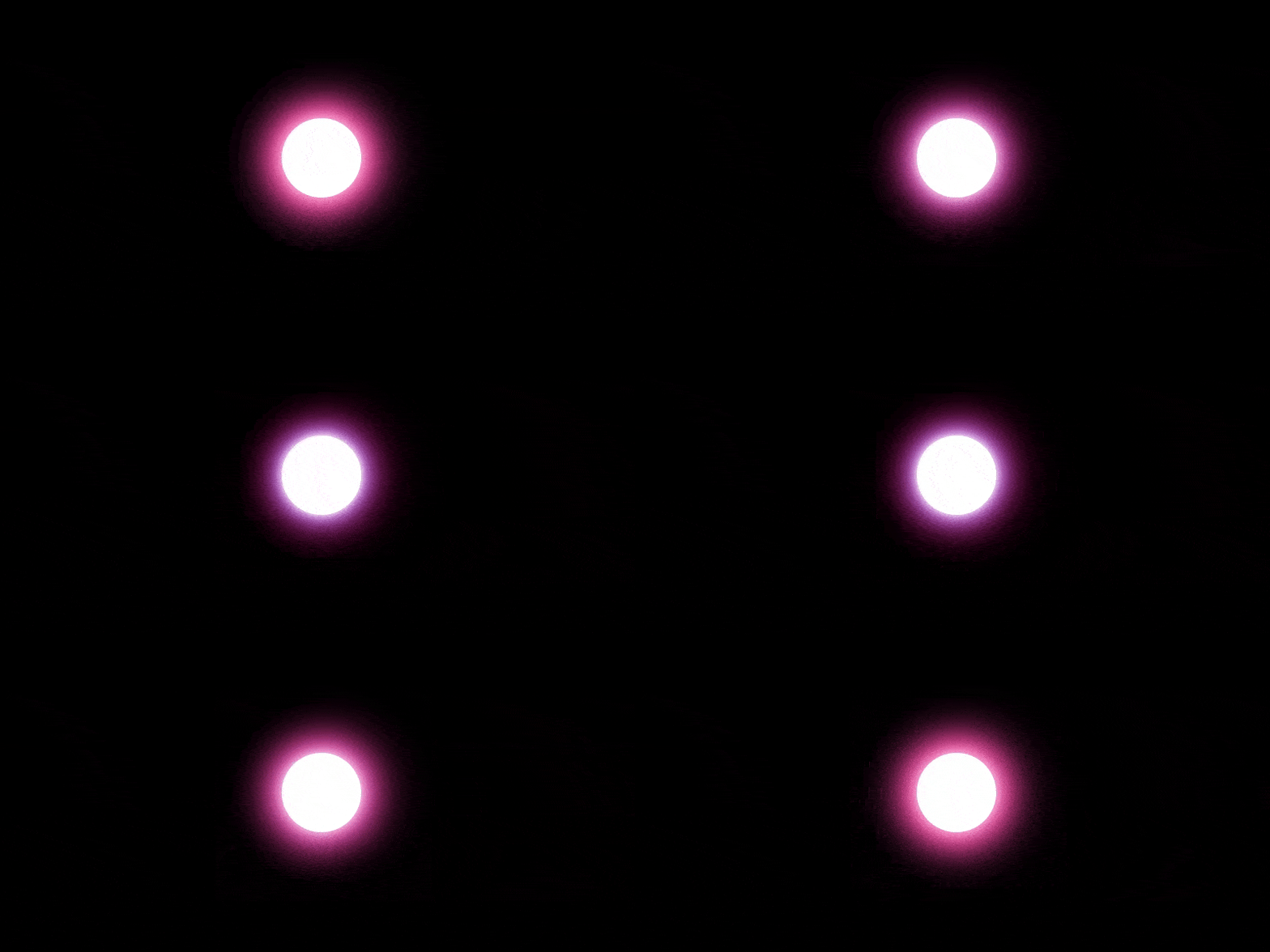
First we have to use the box-shadow property to create the glowing light effect, and then use animation together with keyframes to add the repeatedly glowing effect.
HTML:
<div class="glowing-circle"></div>
CSS:
.glowing-circle {
  width: 100px;
  height: 100px;
  border-radius:50%;
  background-color: #fff;
  -webkit-animation: glowing 1s ease-in-out infinite alternate;
  -moz-animation: glowing 1s ease-in-out infinite alternate;
  animation: glowing 1s ease-in-out infinite alternate;
}
@-webkit-keyframes glowing {
  from {
    box-shadow: 0 0 10px #fff, 0 0 20px #fff, 0 0 30px #f0f, 0 0 40px #0ff, 0 0 50px #e60073, 0 0 60px #e60073, 0 0 70px #e60073;
  }
  to {
    box-shadow: 0 0 20px #fff, 0 0 30px #ff4da6, 0 0 40px #ff4da6, 0 0 50px #ff4da6, 0 0 60px #ff4da6, 0 0 70px #ff4da6, 0 0 80px #ff4da6;
  }
}
Result:
We can also use box-shadow without keyframes animation to create glowing effect.
.glowing-circle {
  width: 100px;
  height: 100px;
  border-radius:50%;
  background-color: #fff;
  box-shadow: 0 0 60px 30px #fff, 0 0 100px 60px #b400ff, 0 0 140px 90px #ff00d4;
}
Best Collection of CSS Glowing Effect
In this collection, I have listed over 25+ best Css Glowing Effect made with HTML, CSS, and JS. Check out these awesome Css Glowing Animation like: #1 Glowing Meteor, #2 Awesome Glowing Buttons, #3 Glowing Translucent Marble, and many more.
#1 Glowing Meteor

Glowing Meteor Animation using HTML and CSS (SCSS), which was developed by Marjo Sobrecaray. Moreover, you can customize it according to your wish and need.
| Author: | Marjo Sobrecaray |
| Created on: | March 8, 2017 |
| Made with: | HTML & CSS(SCSS) |
| Demo Link: | Source Code / Demo |
| Tags: | Glowing Meteor |
AI Prompt for this Glowing Meteor Animation
🔥 WORLD-CLASS PROMPT (FOR GENERATING THE SAME ANIMATION)
Role & Context
You are a senior front-end animation engineer specializing in CSS/SVG micro-animations and Dribbble-style UI motion.
Your task is to recreate a cute glowing “electron/comet” character animation using pure HTML + CSS (SCSS allowed) with no JavaScript.
🎯 Visual Goal (Very Important)
Create a horizontal flying glowing character that looks like:
A rounded capsule / comet
Bright white core
Cyan + violet neon glow layers
A cute face (two eyes, smile, blush cheeks)
Moving energy trails behind it
Small floating particles / stars drifting across a dark background
The animation should feel:
Smooth
Soft
Friendly
Slightly playful
Inspired by Dribbble UI motion shots
🎨 Design Constraints
Background: deep dark navy / near-black (#0f111d)
Glow colors:
White core
Cyan (#85ede8)
Violet / purple (#5048a0, #48098b)
No harsh bloom
Glow must be layered using box-shadow and gradients
Rounded edges everywhere (capsule style)
🧱 Structure Requirements
Use multiple layered <div> elements, each responsible for:
Outer glow shell
Inner glow shell
Energy streaks / trails (ul > li elements)
Face layer
Eyes (circles)
Smile (curved border)
Cheeks (soft cyan dots)
Floating particles
Randomized size
Horizontal movement
Opacity fade in/out
SCSS nesting is allowed and encouraged.
🎞️ Animation Requirements
Implement CSS keyframe animations for:
Pulsing glow width (breathing effect)
Horizontal drifting energy streaks
Floating particles moving left → right
Subtle jitter or wobble for liveliness
Different animation durations and delays for each trail
Use:
@keyframes
animation-delay
animation-duration
ease-in-out and ease-out
No JavaScript.
🛠️ Technical Rules
HTML + CSS only
SCSS syntax allowed (variables, mixins, loops)
Use box-shadow, linear-gradient, and radial-gradient
Absolute positioning centered on screen
Responsive-safe (no fixed viewport hacks)
Code must be clean, readable, and commented
🚫 Do NOT
Do not use canvas
Do not use SVG filters
Do not use external libraries
Do not oversimplify the animation
Do not change the cute character personality
✅ Final Output
Return:
Full HTML markup
Full SCSS/CSS
Clearly labeled sections for:
Glow layers
Face
Trails
Particles
Animations
The final animation should visually resemble a cute glowing electron flying through space, with layered glow trails and floating stars.
💡 Pro Tip (Use This If You Want Even Better Output)
After pasting the prompt, add one line:
“Match the timing, layering, and glow softness of a premium Dribbble motion shot.”
#2 Awesome Glowing Buttons
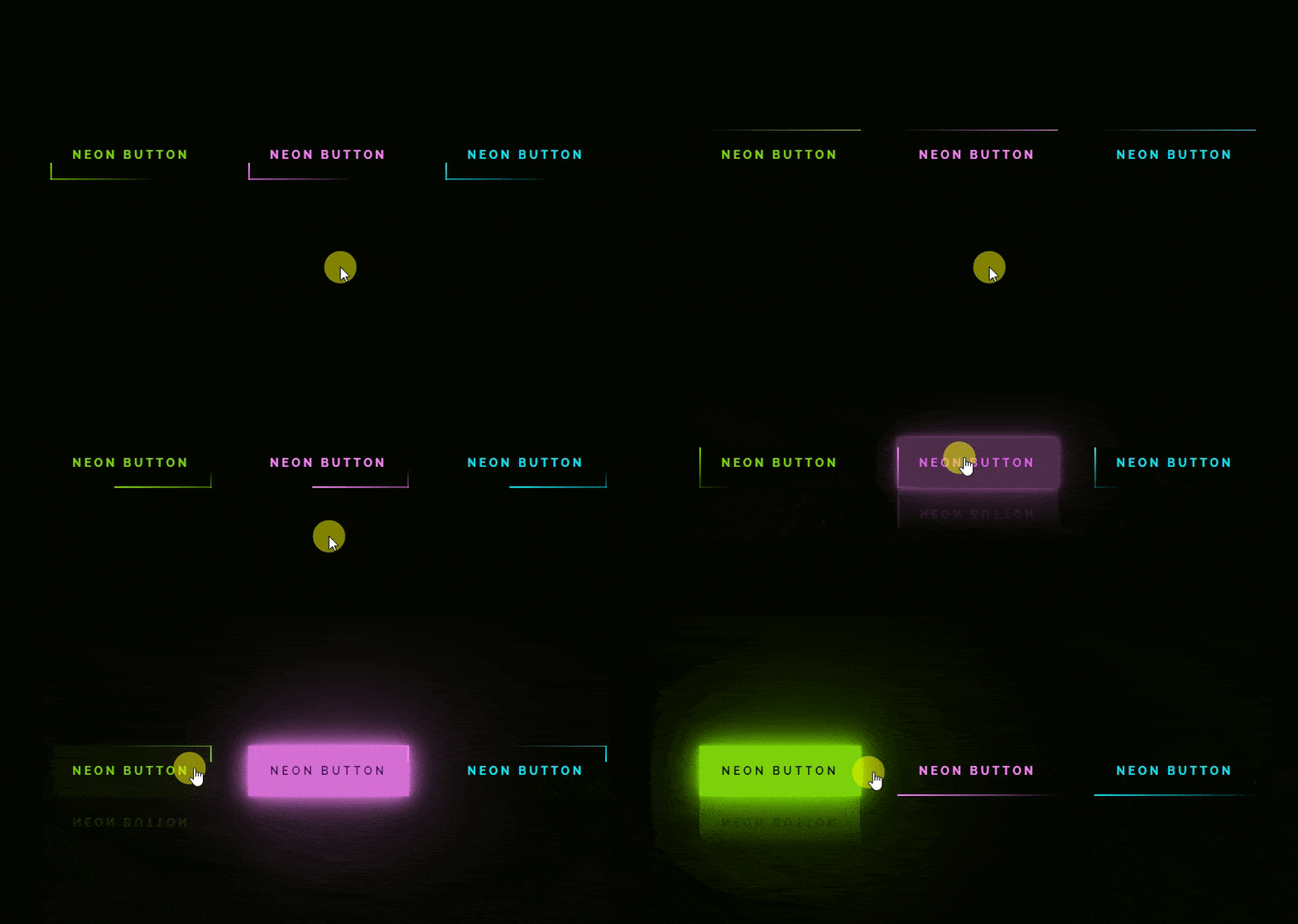
Awesome Glowing Button Animation using HTML and CSS, which was developed by Pranjal Bhadu. Moreover, you can customize it according to your wish and need.
| Author: | Pranjal Bhadu |
| Created on: | June 24, 2020 |
| Made with: | HTML & CSS |
| Demo Link: | Source Code / Demo |
| Tags: | Glowing Button Animation |
AI Prompt for Animated Glowing Buttons
Role
You are an expert front-end UI animation engineer who specializes in CSS-only neon effects and micro-interactions.
🎯 Objective
Create a pure HTML + CSS neon button with animated glowing borders that continuously travel around the button edges and intensify on hover.
The animation must feel:
Futuristic
Cyberpunk / neon
Clean and sharp (not blurry)
Looping infinitely
🧱 HTML Structure (STRICT)
Use an <a> tag as the button
Inside each <a>, include exactly four <span> elements
Each <span> represents one border side
Top
Right
Bottom
Left
No extra markup. No SVG. No canvas.
🎨 Visual Design Rules
Background: very dark near-black (#050801)
Default text color: neon cyan (#03e9f4)
Text:
Uppercase
Bold
Wide letter spacing
Button background is transparent by default
On hover:
Button fills with neon cyan
Text turns dark
Strong multi-layer glow using box-shadow
Subtle reflection using -webkit-box-reflect
✨ Border Animation Requirements
Each border line must:
Be animated using linear-gradient
Move continuously across its edge
Have staggered timing so motion flows clockwise
Loop infinitely
Animation logic:
Top border moves left → right
Right border moves top → bottom
Bottom border moves right → left
Left border moves bottom → top
Each border uses its own keyframes and animation-delay.
🎞️ Animation Specs
Duration: 1s
Timing: linear
Infinite loop
Use @keyframes (no shorthand hacks)
🎨 Color Variations
Support multiple buttons using:
filter: hue-rotate()
So each button looks different without duplicating CSS.
🛠️ Technical Constraints
HTML + CSS only
No JavaScript
No SVG
No frameworks
Must work in modern browsers
Code must be clean, readable, and reusable
🚫 Do NOT
Do not simplify into a single border animation
Do not replace spans with pseudo-elements
Do not remove continuous motion
Do not soften glow too much
✅ Final Output Must Include
Full HTML
Full CSS
Separate @keyframes for all four borders
Hover state with strong neon glow burst
The result should look like a high-quality neon cyber button often seen in CodePen / futuristic UI demos.
💎 EXTRA POWER LINE (Optional but deadly effective)
Add this at the end when prompting an AI:
“Match the sharpness, glow intensity, and timing of premium neon UI effects from top CodePen collections.”
More Prompts.
#3 Glowing Translucent Marble
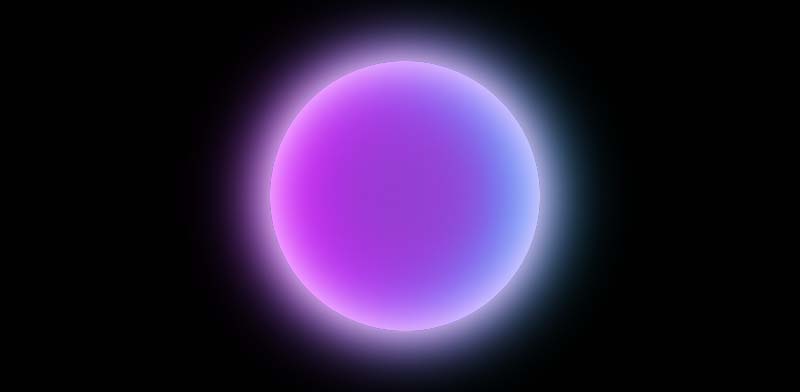
CSS Glowing Translucent Marble Animation using HTML and CSS, which was developed by Will Boyd. Moreover, you can customize it according to your wish and need.
| Author: | Will Boyd |
| Created on: | March 28, 2014 |
| Made with: | HTML & CSS |
| Demo Link: | Source Code / Demo |
| Tags: | CSS Glowing Translucent Marble |
#4 GSAP Glowing Jump Loader

GSAP Glowing Jump Loader Animation using HTML, CSS and JavaScript which was developed by Brian Sipple. Moreover, you can customize it according to your wish and need.
| Author: | Brian Sipple |
| Created on: | June 9, 2015 |
| Made with: | HTML, CSS and JavaScript |
| Demo Link: | Source Code / Demo |
| Tags: | GSAP Glowing Jump Loader |
#5 Gradient Letter with Glowing effect

Gradient Letter with Glowing effect using HTML and CSS, which was developed by Sathya. Moreover, you can customize it according to your wish and need.
| Author: | Sathya |
| Created on: | November 2, 2019 |
| Made with: | HTML and CSS |
| Demo Link: | Source Code / Demo |
| Tags: | Gradient Letter |
#6 CSS Glowing Icon Hover Effect

CSS Glowing Icon Hover Effect using HTML and CSS, which was developed by Diego Lopes. Moreover, you can customize it according to your wish and need.
| Author: | Diego Lopes |
| Created on: | January 19, 2019 |
| Made with: | HTML and CSS |
| Demo Link: | Source Code / Demo |
| Tags: | Glowing Icon Hover Effect |
#7 CSS glowing effect magic card

Awesome glowing magic card using HTML and CSS, which was developed by Gayane. Moreover, you can customize it according to your wish and need.
| Author: | Gayane |
| Created on: | July 23, 2021 |
| Made with: | HTML and CSS |
| Demo Link: | Source Code / Demo |
| Tags: | glowing magic card |
#8 CSS glowing moon

Simple glowing moon with star animation using HTML(Pug), CSS(SCSS) and JavaScript which was developed by Mansoour. Moreover, you can customize it according to your wish and need.
| Author: | Mansoour |
| Created on: | September 13, 2018 |
| Made with: | HTML(Pug), CSS(SCSS) and JavaScript |
| Demo Link: | Source Code / Demo |
| Tags: | glowing moon |
#9 CSS glowing lighthouse animation

A glowing lighthouse animation using HTML and CSS which was developed by Łumbini. Moreover, you can customize it according to your wish and need.
| Author: | Łumbini |
| Created on: | December 5, 2020 |
| Made with: | HTML & CSS |
| Demo Link: | Source Code / Demo |
| Tags: | glowing lighthouse animation |
#10 Awesome Glowing Rainbow blobs
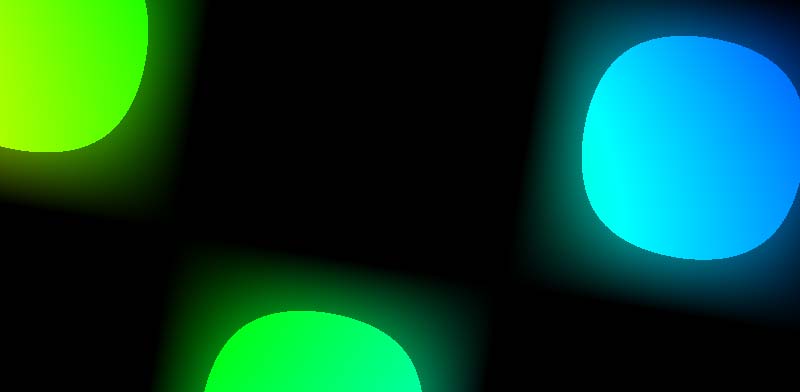
Awesome Glowing Rainbow blobs animation using HTML, CSS, and JavaScript which was developed by Lea Rosema. Moreover, you can customize it according to your wish and need.
| Author: | Lea Rosema |
| Created on: | June 1, 2019 |
| Made with: | HTML, CSS, and JavaScript |
| Demo Link: | Source Code / Demo |
| Tags: | Glowing Rainbow blobs |
#11 Glowing crystal ball animation

Glowing crystal ball animation using HTML, CSS, and JavaScript which was developed by Pat Cooney. Moreover, you can customize it according to your wish and need.
| Author: | Pat Cooney |
| Created on: | October 12, 2017 |
| Made with: | HTML, CSS, and JavaScript |
| Demo Link: | Source Code / Demo |
| Tags: | Glowing crystal ball |
#12 Glowing RGB ball animation
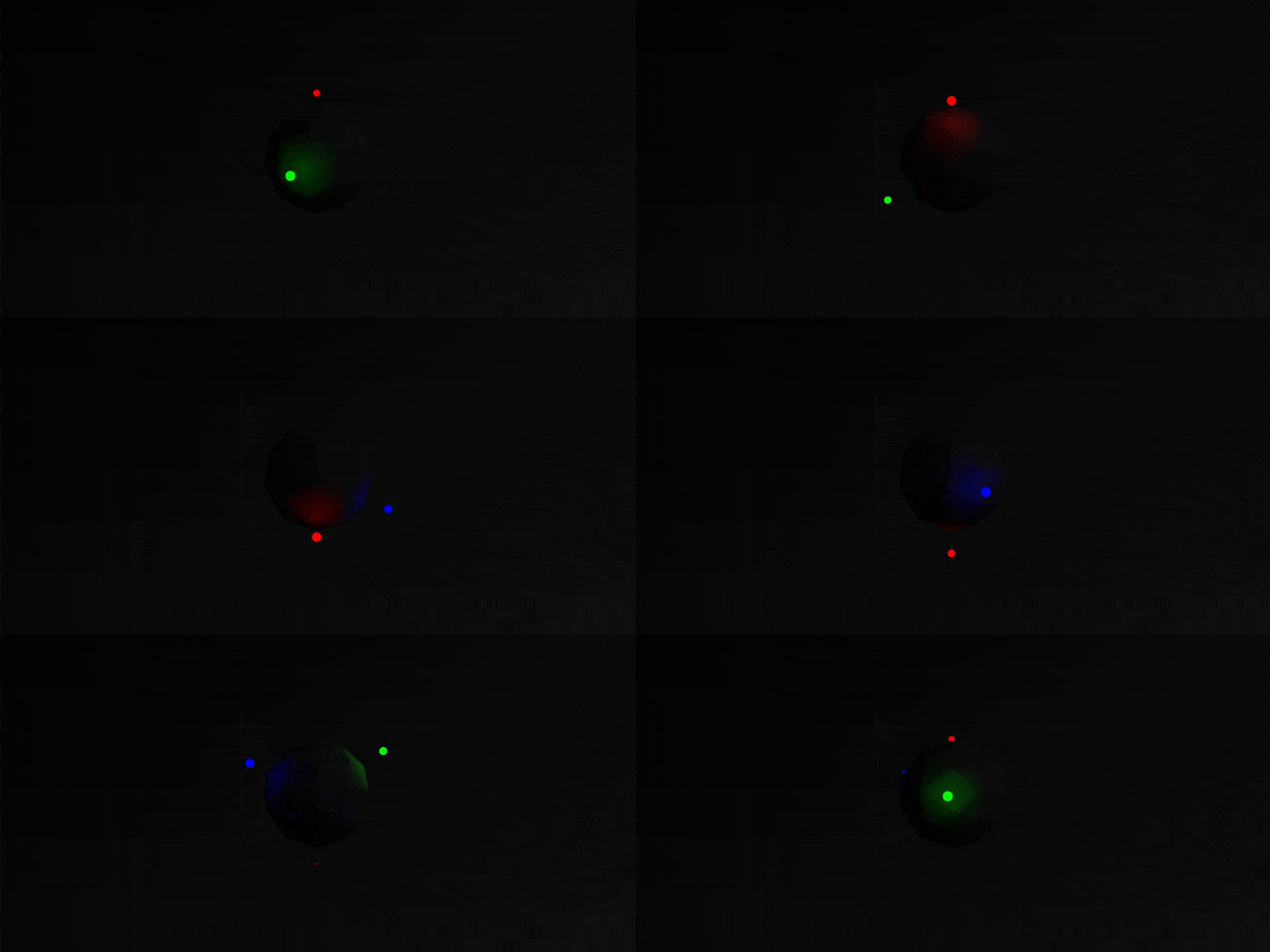
Glowing RGB ball animation using HTML, CSS, and JavaScript which was developed by Hornebom. Moreover, you can customize it according to your wish and need.
| Author: | Hornebom |
| Created on: | January 6, 2016 |
| Made with: | HTML, CSS, and JavaScript |
| Demo Link: | Source Code / Demo |
| Tags: | RGB ball animation |
#13 Glowing mini ball animation
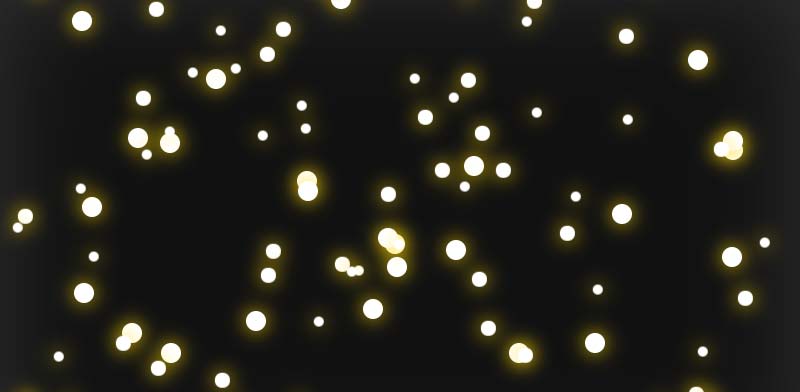
Glowing mini ball animation using HTML, CSS, and JavaScript which was developed by Nikita Jadhao. Moreover, you can customize it according to your wish and need.
| Author: | Nikita Jadhao |
| Created on: | August 25, 2015 |
| Made with: | HTML, CSS, and JavaScript |
| Demo Link: | Source Code / Demo |
| Tags: | Glowing mini ball animation |
#14 Awesome Glowing Orb
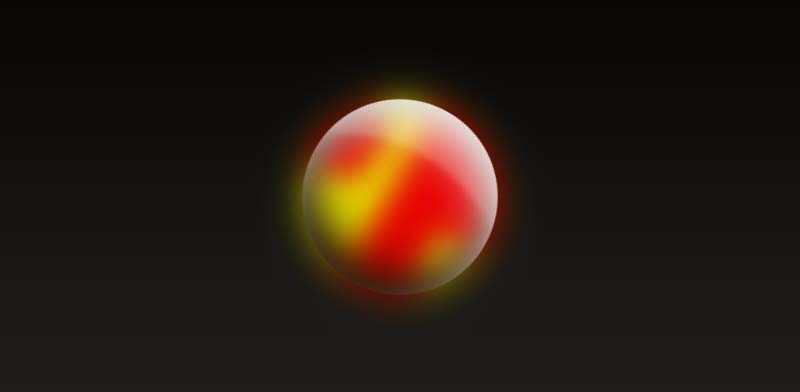
Awesome Glowing Orb using HTML and CSS which was developed by Matt Schneider III. Moreover, you can customize it according to your wish and need.
| Author: | Matt Schneider III |
| Created on: | July 23, 2016 |
| Made with: | HTML and CSS |
| Demo Link: | Source Code / Demo |
| Tags: | Awesome Glowing Orb |
#15 Glowing walkers animation
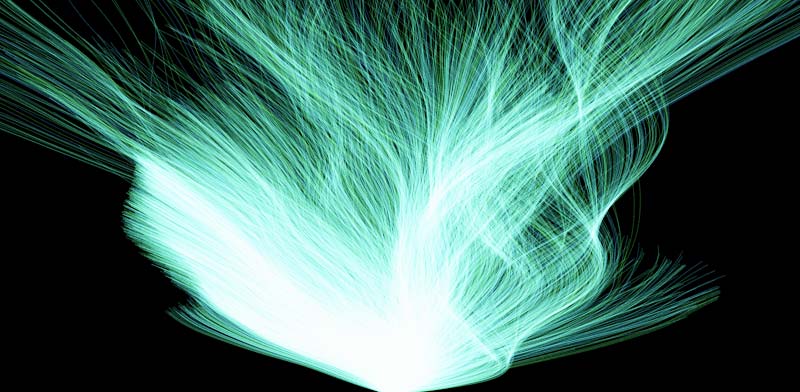
Glowing walkers animation using CSS(SCSS ) and JavaScript which was developed by Louis Hoebregts. Moreover, you can customize it according to your wish and need.
| Author: | Louis Hoebregts |
| Created on: | June 23, 2019 |
| Made with: | CSS(SCSS ) and JavaScript |
| Demo Link: | Source Code / Demo |
| Tags: | Glowing walkers |
#16 SVG Lightbulb Flickering Animation

SVG Lightbulb Flickering Animation using HTML, CSS(SCSS ) and JavaScript which was developed by Brian Sipple. Moreover, you can customize it according to your wish and need.
| Author: | Brian Sipple |
| Created on: | October 4, 2015 |
| Made with: | HTML, CSS(SCSS ) and JavaScript |
| Demo Link: | Source Code / Demo |
| Tags: | SVG Lightbulb Flickering |
#17 BTS Army Bomb Lightstick
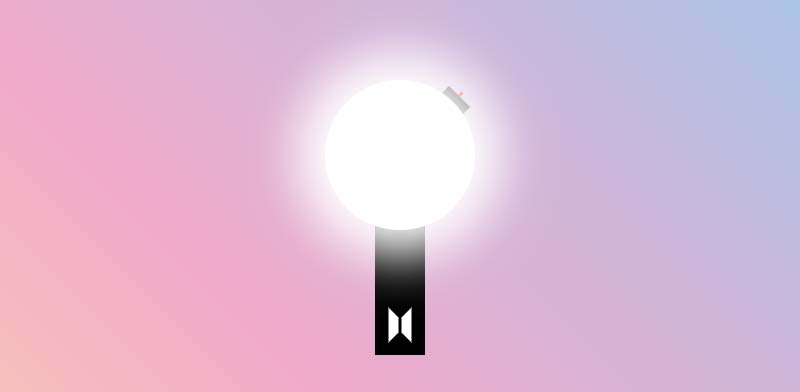
BTS Army Bomb Lightstick Animation using HTML and CSS which was developed by Erin Hughes. Moreover, you can customize it according to your wish and need.
| Author: | Erin Hughes |
| Created on: | October 13, 2018 |
| Made with: | HTML and CSS |
| Demo Link: | Source Code / Demo |
| Tags: | Glowing Bomb Lightstick |
#18 Glowing Gradient Button With Hover Effect
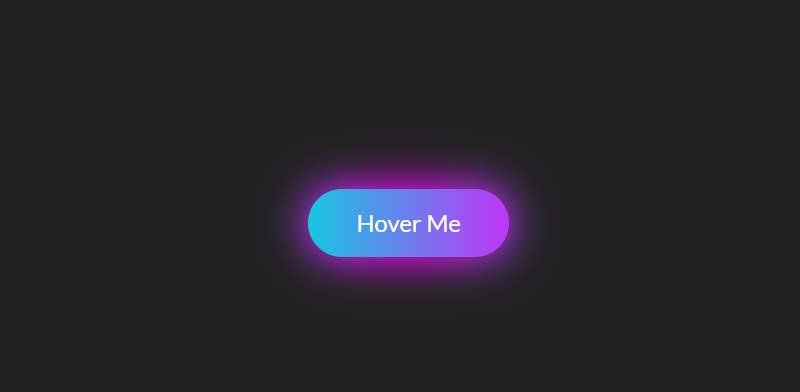
Glowing Gradient Button With Hover Effect using HTML and CSS which was developed by alphardex. Moreover, you can customize it according to your wish and need.
| Author: | alphardex |
| Created on: | November 25, 2019 |
| Made with: | HTML and CSS |
| Demo Link: | Source Code / Demo |
| Tags: | Glowing Gradient Button |
#19 Glowing Gradient Border Card
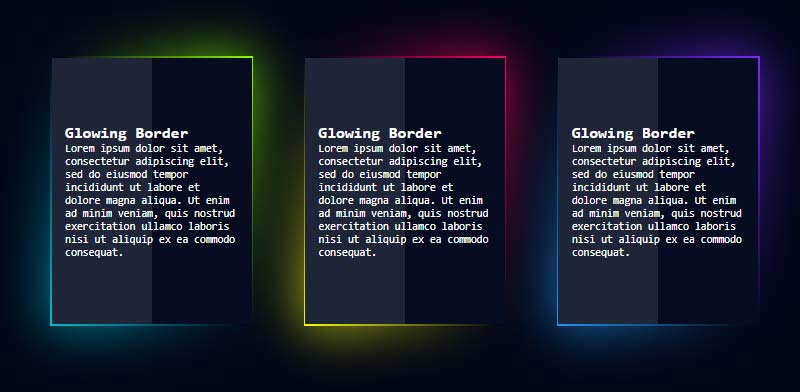
Glowing Gradient Border Card using HTML and CSS which was developed by Furkan Yaşar. Moreover, you can customize it according to your wish and need.
| Author: | Furkan Yaşar |
| Created on: | June 10, 2020 |
| Made with: | HTML and CSS |
| Demo Link: | Source Code / Demo |
| Tags: | Glowing Gradient Border |
#20 Glowing Ring Animation

Glowing Ring Animation using HTML and CSS which was developed by Vincent Van Goggles. Moreover, you can customize it according to your wish and need.
| Author: | Vincent Van Goggles |
| Created on: | July 15, 2020 |
| Made with: | HTML and CSS |
| Demo Link: | Source Code / Demo |
| Tags: | Glowing Ring Animation |
#21 Ring of Fire SVG & CSS Animation
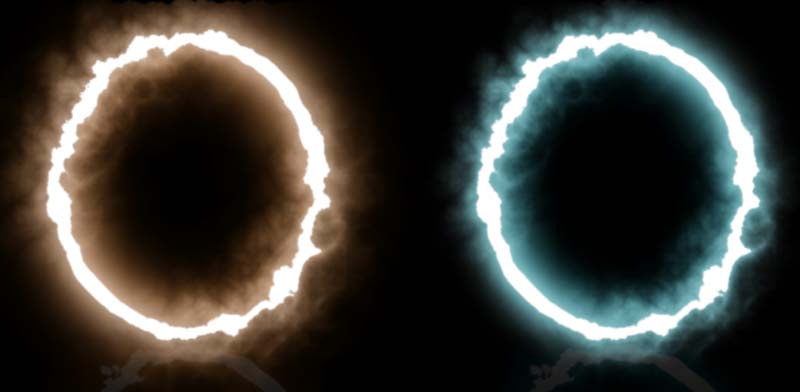
SVG Ring Fire Animation using HTML and CSS which was developed by Paul Blackburn. Moreover, you can customize it according to your wish and need.
| Author: | Paul Blackburn |
| Created on: | August 28, 2020 |
| Made with: | HTML & CSS |
| Demo Link: | Source Code / Demo |
| Tags: | SVG Ring Fire Animation |
#22 Glowing input field

Glowing input field using HTML and CSS which was developed by Jack Rugile. Moreover, you can customize it according to your wish and need.
| Author: | Jack Rugile |
| Created on: | July 8, 2012 |
| Made with: | HTML & CSS |
| Demo Link: | Source Code / Demo |
| Tags: | Glowing input field |
#23 Neon CSS glowing effect

Glass effect social media buttons with neon glow using HTML and CSS which was developed by Kevin Miranda. Moreover, you can customize it according to your wish and need.
| Author: | Kevin Miranda |
| Created on: | May 20, 2019 |
| Made with: | HTML & CSS |
| Demo Link: | Source Code / Demo |
| Tags: | Neon glow effect |
#24 Scanning Glow Lines
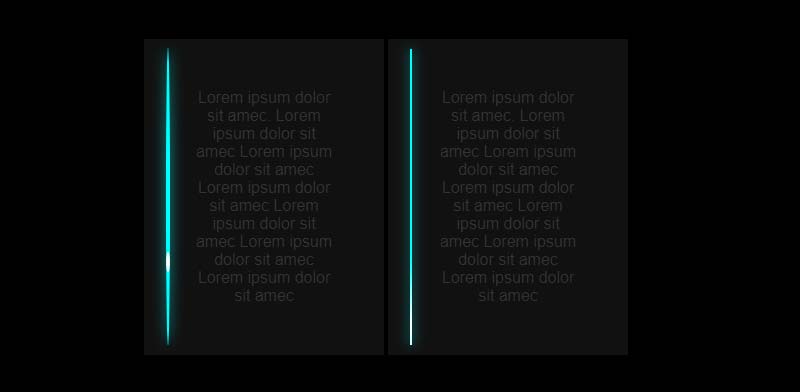
Scanning Glow Lines animation using HTML and CSS which was developed by Keely. Moreover, you can customize it according to your wish and need.
| Author: | Keely |
| Created on: | May 31, 2019 |
| Made with: | HTML & CSS |
| Demo Link: | Source Code / Demo |
| Tags: | Scanning Glow Lines |
#25 Triangle – Neon Glow Effect Using CSS Drop Shadows
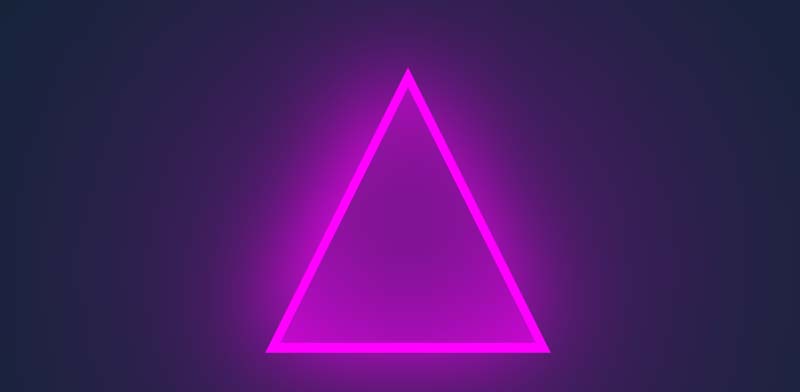
Triangle Neon Glow Effect using HTML and CSS which was developed by Dave Brogan. Moreover, you can customize it according to your wish and need.
| Author: | Dave Brogan |
| Created on: | November 28, 2019 |
| Made with: | HTML & CSS |
| Demo Link: | Source Code / Demo |
| Tags: | Neon Glow Effect |
#26 Neon Card Outer Glowing Effect
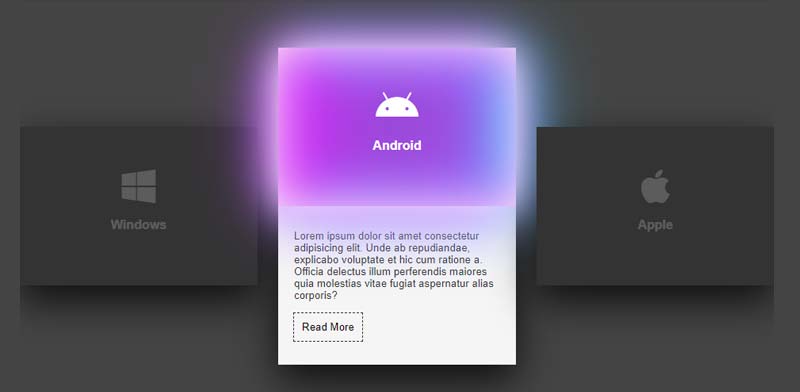
Neon Card Outer Glowing Effect using HTML and CSS which was developed by quangdao. Moreover, you can customize it according to your wish and need.
| Author: | quangdao |
| Created on: | September 14, 2019 |
| Made with: | HTML & CSS |
| Demo Link: | Source Code / Demo |
| Tags: | Neon Card Outer Glowing |
#27 Neon Lighting Effect
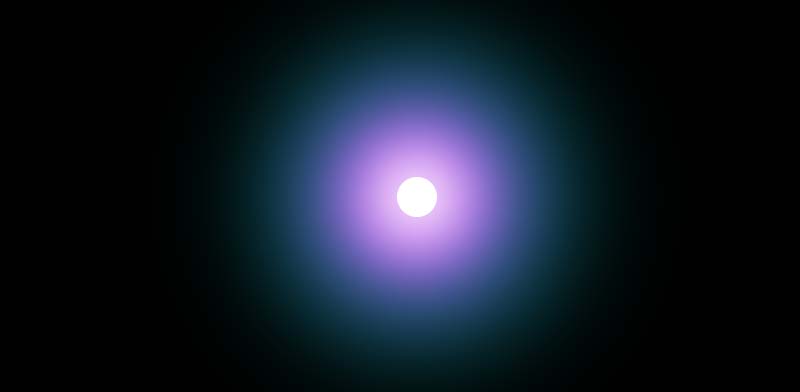
Neon Glowing Effect using HTML and CSS which was developed by Will Boyd. Moreover, you can customize it according to your wish and need.
| Author: | Will Boyd |
| Created on: | March 28, 2014 |
| Made with: | HTML & CSS |
| Demo Link: | Source Code / Demo |
| Tags: | Neon Glowing Effect |
We hope you liked this article. You should definitely keep your thoughts about it in the comment below and share this article with your friends.