AI-generated glowing effects are everywhere right now. Some look great.
Most… don’t.
If you’ve tried asking an AI to “add a glow,” you’ve probably seen the same problems over and over: blown-out halos, unreadable text, messy light spill, or designs that look cool for two seconds and useless in real UI work.
The issue usually isn’t the tool. It’s the prompt.
AI doesn’t understand design taste. It understands patterns. If your prompt is vague, you’ll get generic neon blobs. If your prompt is specific — about edges, contrast, restraint, and intent — the output suddenly becomes usable.
Below are 10 practical AI prompts for generating glowing UI effects that actually fit modern interfaces in 2026. These aren’t concept-art prompts. They’re written for buttons, cards, dashboards, and real product UI.
Before You Start (Quick Reality Check)
Glowing effects work best when:
- the background is dark or muted
- the glow stays outside the element
- the effect supports usability, not decoration
If the glow becomes the main character, the UI is already broken.
Keep that in mind as you use these.
Neon Glowing Button (Modern SaaS)
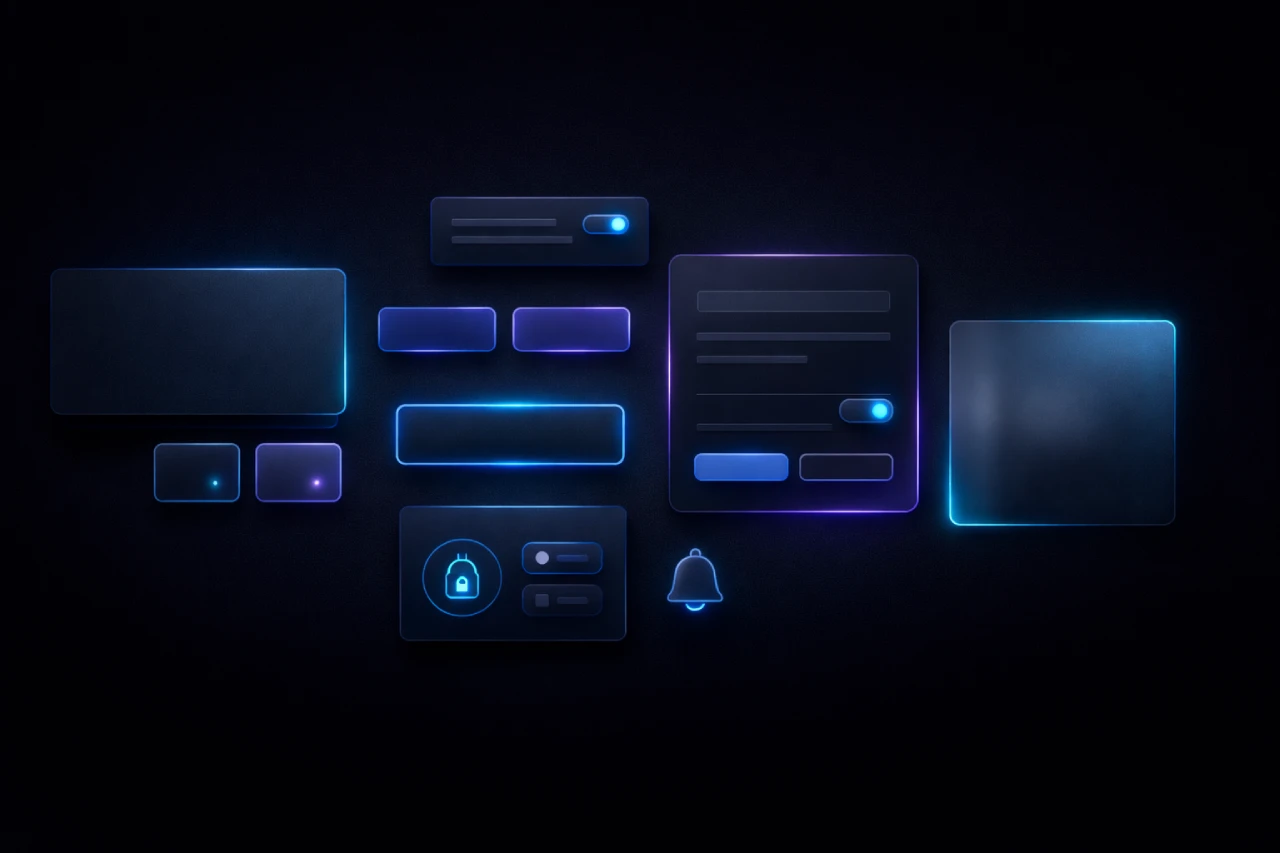
Create a modern SaaS-style button with a soft neon glow. The glow should appear outside the button edges only, fading smoothly outward. The button surface remains flat, sharp, and readable with no blur inside. Use a dark background for contrast. The glow feels subtle, controlled, and professional — not flashy.
Hover-Activated Glow Interaction
Design a UI element where a glow appears only on hover. The glow fades in gradually and fades out smoothly when the cursor leaves. Use a single accent color and avoid harsh brightness. The interaction should feel intentional and responsive, not decorative.
Elevated Glowing Card Component
Create a clean UI card with a faint outer glow that suggests elevation. The glow is barely visible and diffused evenly around the edges. Card corners remain crisp. The design feels calm and modern, suitable for dashboards or product feature sections.
Cyberpunk Neon Border (Controlled)
Generate a UI container with a thin neon border glow inspired by cyberpunk aesthetics. The glow is sharp and contained, staying close to the border. Colors lean toward electric blue or violet. No glow inside the container. Futuristic, but still usable.
Gaming UI Glow Effect
Design a gaming UI element with a slightly pulsing glow that adds energy without distraction. The glow intensity remains controlled. High contrast, dark background, vibrant accent color. The UI stays readable and functional.
Micro-Interaction Feedback Glow
Create a subtle glow effect that appears briefly when a UI element is clicked or activated. The glow fades out quickly and does not linger. It acts as visual feedback, not decoration. Minimal, fast, and modern.
Glowing Icon Accent
Generate a simple UI icon with a soft outer glow used as an accent. The icon itself remains flat and sharp. The glow is restrained and supports focus without overpowering the icon. Suitable for notifications or highlighted actions.
Glassmorphism with Soft Glow
Create a glassmorphism-style UI element with a gentle glow around the edges. The surface appears frosted and semi-transparent. The glow adds separation from the background without breaking the glass effect. Clean, modern, and subtle.
Readable Neon Text Glow
Design text with a neon glow that stays readable. The glow sits behind the text instead of blurring the letters. Avoid heavy bloom. The text remains sharp and clear, suitable for headings or hero sections.
Dark Mode Accent Glow System
Create a dark-mode UI where accent elements use a consistent, soft glow to establish hierarchy. The glow is subtle and balanced across the interface. It enhances focus without dominating the design. Professional and calm.
Common Fixes When AI Overdoes the Glow
If the output looks messy, add lines like:
- “Avoid excessive bloom or blur”
- “Glow remains outside the element only”
- “No glow inside text or surfaces”
- “Keep brightness controlled and realistic”
These small constraints dramatically improve results.
Final Thought
AI can generate glowing effects fast. Taste still matters.
The best results come from treating glow as a supporting detail, not a visual shortcut. If the glow helps users understand what’s clickable, active, or important — it’s doing its job. If it’s just glowing to glow, it’s probably hurting the design.
Use these prompts as a starting point, tweak them for your style, and don’t be afraid to tell the AI to calm down. Most of the time, that’s the real trick.