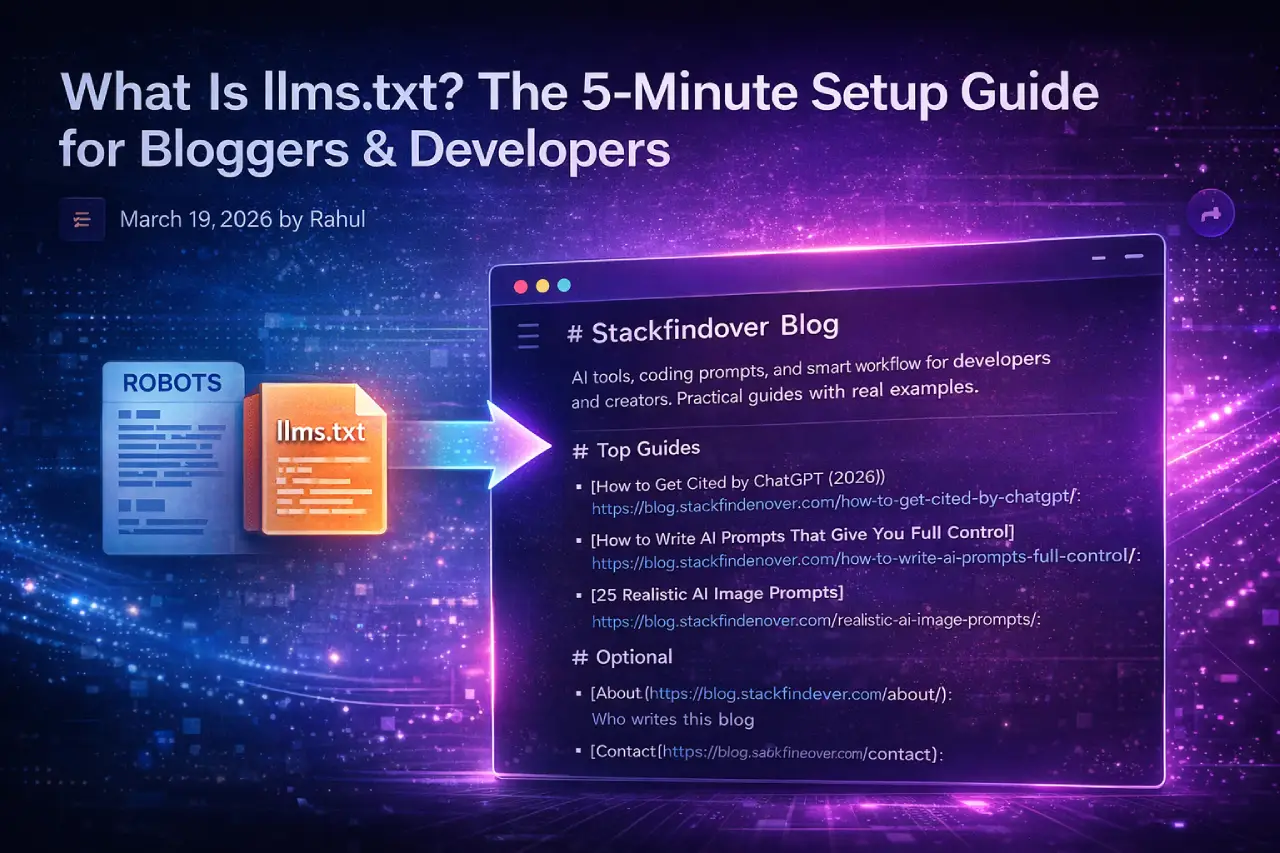
What Is llms.txt?
You’ve probably heard of robots.txt — the little file that tells Google’s crawler what it can and can’t access on your site. llms.txt works on a similar idea, but for AI tools instead of search bots.
In plain terms, llms.txt is a simple text file you place at the root of your website (like yoursite.com/llms.txt). It contains a structured, Markdown-formatted summary of who you are, what your site covers, and links to your most important pages — all written in a clean format that AI language models can easily read and use.
Jeremy Howard (co-founder of fast.ai) proposed this concept in September 2024. He aimed to solve a key problem: AI models struggle with limited context windows, and most websites overload pages with navigation bars, ads, JavaScript, and other clutter. This noise makes it harder for LLMs to extract relevant information. The llms.txt file solves this by providing a clean, curated guide to your site’s most important content.
Think of It This Way: llms.txt is like handing an AI a personally written cheat sheet about your website — instead of making it dig through every page on its own.
Why Should Bloggers & Developers Care?
Here’s the shift that’s happening right now: a growing number of people are getting answers directly from AI tools — ChatGPT, Perplexity, Google AI Overviews, Claude — without ever clicking through to a website. This is called Generative Engine Optimization (GEO), and it’s becoming just as important as traditional SEO.
When someone asks an AI tool “best way to write prompts for developers,” it pulls from sources it can understand well. If your site is easy for AI to read, your content has a much higher chance of being cited, referenced, or surfaced as a source.
For a developer and creator-focused blog — covering AI tools, prompts, and smart workflows — this is especially relevant. Your readers are the exact same people using these AI tools every day. Getting your content into those AI answers is the new traffic strategy.
- More AI citations: Well-structured sites get referenced more often in AI-generated answers.
- Better content discovery: AI agents crawling for research find your best pages first.
- Future-proof your SEO: Even as Google shifts further toward AI Overviews, your site stays visible.
- Zero downside: It costs nothing and takes under 5 minutes to set up.
Quick Win for Your Blog: If you have a "How to Get Cited by ChatGPT" article on your blog, llms.txt is the practical implementation of that theory. Link them together for a strong internal content cluster.
What Does an llms.txt File Look Like?
The file is written in Markdown — nothing fancy. It follows a specific structure: a title, an optional short description, and organized sections with links to your site’s important pages.
Here’s the official format from the llmstxt.org specification:
Basic llms.txt Structure
# Your Site or Project Name

> A one or two sentence description of what your site covers
  and who it's for.

Optional paragraph with more context about your content
or how to best navigate it.

## Main Content

- [Article Title](https://yoursite.com/article-url): Brief note about what this covers
- [Another Article](https://yoursite.com/another-url): What this page is about

## Resources

- [Tools Page](https://yoursite.com/tools): Overview of recommended tools
- [Start Here](https://yoursite.com/start): Best entry point for new readers

## Optional

- [About Page](https://yoursite.com/about): Background on the author
- [Contact](https://yoursite.com/contact): How to get in touch
Notice the “Optional” section at the bottom. That’s intentional — it signals to AI tools that if they’re working with limited context, these links can be skipped. It’s a smart way to indicate content priority.
Here’s what a real llms.txt might look like for a developer-focused AI blog:
Real-World Example (Developer / AI Blog)
# Stackfindover Blog

> AI tools, coding prompts, and smart workflows for developers
  and creators. Practical guides with real examples.

We cover AI prompt engineering, web development tutorials,
and productivity tools — all written for hands-on builders.

## Top Guides

- [How to Get Cited by ChatGPT (2026)](https://blog.stackfindover.com/how-to-get-cited-by-chatgpt/): Step-by-step guide to getting your content surfaced in AI answers
- [How to Write AI Prompts That Give You Full Control](https://blog.stackfindover.com/how-to-write-ai-prompts-full-control/): Beginner to pro prompt writing techniques
- [25 Realistic AI Image Prompts](https://blog.stackfindover.com/realistic-ai-image-prompts/): Cinematic prompts that don't look AI-generated

## Web Development

- [Automatic Image Slider in HTML CSS](https://blog.stackfindover.com/automatic-image-slide-in-html-css/): Clean code tutorial with live examples
- [25+ CSS Glowing Effects](https://blog.stackfindover.com/css-glowing-effect/): Copy-paste UI effects with explanations
- [Git Commands Cheat Sheet](https://blog.stackfindover.com/git-command-cheat-sheet/): Most useful Git commands in one place

## Optional

- [About](https://blog.stackfindover.com/about/): Who writes this blog
- [Contact](https://blog.stackfindover.com/contact/): Get in touch
Don't Overthink It: You don't need to list every post. Focus on your 10–20 best, most representative articles. Quality of links matters far more than quantity here.
How to Create llms.txt in 5 Minutes
Good news — you don’t need to be a developer to do this. Here are three paths depending on your setup:
Write Your llms.txt Content
Open any text editor — Notepad, VS Code, or even Google Docs. Copy the template above and fill in your site name, a two-line description, and your top article links with brief notes. Save the file as llms.txt — just that, no extra extension.
Upload to Your Website Root
The file needs to live at yoursite.com/llms.txt — the same root folder where your robots.txt lives.
WordPress users: Use FTP (FileZilla) or your hosting’s File Manager (cPanel → File Manager → public_html). Upload llms.txt directly into that root folder.
Ghost / Webflow / custom sites: Use your hosting dashboard or server access to drop the file in the root directory.
Verify It’s Live
Open your browser and visit https://yoursite.com/llms.txt. If you see your Markdown text displayed as plain text, you’re done. It’s live and readable by AI tools.
(Optional) Add llms-full.txt
Some sites create a second file called llms-full.txt that includes the actual full content of key pages, not just links. This is mainly useful for documentation-heavy or developer tool sites. For most bloggers, the standard llms.txt is more than enough.
WordPress Plugin Shortcut: Yoast SEO now supports automatic llms.txt generation. Check your Yoast dashboard under "Site features" — depending on your version, it may be ready to enable with one click.
llms.txt vs robots.txt — What’s the Difference?
These two files are often confused. They live in the same place and follow a similar naming convention — but they do completely different jobs:
| Feature | robots.txt | llms.txt |
|---|---|---|
| Purpose | Tell search crawlers what to access or block | Help AI tools understand your site’s content |
| Audience | Search engine bots (Googlebot, etc.) | LLMs and AI agents at inference time |
| Format | Plain text with specific directives | Markdown with structured links |
| Blocks content? | Yes — can restrict crawler access | No — purely informational |
| Required? | Recommended for all sites | Optional, but increasingly valuable |
| Helps with AI answers? | Indirectly (controls access) | Yes — direct GEO benefit |
you need both They do completely different jobs. Think of robots.txt as talking to Google’s crawler, and llms.txt as talking directly to AI tools like ChatGPT and Perplexity.
Does llms.txt Actually Work?
Fair question — and one worth answering honestly rather than just hyping it up.
The short answer: adoption is real, but the standard is still early. As of early 2026, thousands of sites including major documentation platforms, developer tools, and tech companies have added llms.txt. Yoast SEO and other SEO platforms have built native support for it — which is a meaningful signal of momentum.
What’s less settled is whether AI models are actively reading llms.txt files during every crawl or inference pass. Some AI tools with web access — like Perplexity and ChatGPT’s browsing mode — have been observed following structured files. But there’s no official public confirmation from OpenAI or Google that they specifically prioritize llms.txt the way Googlebot treats robots.txt.
That said, here’s why it’s still worth doing right now:
- The setup takes under 5 minutes — the effort-to-reward ratio is completely in your favor
- Early adopters will have a structural advantage if AI tools standardize around this format
- It forces you to identify and curate your most important content — which is good practice regardless
- AI coding assistants and research agents are already using llms.txt to navigate software documentation effectively
The Bottom Line
llms.txt is a low-effort, potentially high-reward move for any blogger or developer who wants their content to stay visible as AI tools become the dominant way people find information. Set it up today, update it every few months when you publish major new content, and you're ahead of most sites on the internet.
Frequently Asked Questions
It can help — but it’s not a guaranteed shortcut. llms.txt makes it easier for AI tools with web browsing to understand and navigate your site. Combined with strong, well-structured content, it improves your chances of being surfaced in AI-generated answers. Think of it as one piece of a broader GEO (Generative Engine Optimization) strategy, not a magic button.
Not at all. You write it in plain Markdown — which is just regular text with a few simple formatting symbols like # for headings and – for bullet points. If you can write a blog post, you can write an llms.txt. Uploading it via your hosting’s File Manager takes about two minutes.
Not directly — llms.txt is not a ranking signal for traditional Google search. However, as Google increasingly uses AI in its results (AI Overviews), having well-structured, AI-readable content may have an indirect positive effect over time. Your robots.txt and on-page SEO remain more important for Google rankings today.
Follow a simple rule: update it whenever you publish a major article or restructure your site. You don’t need to include every new post. Instead, keep your 10–20 most important and representative pages listed and up to date.
Yes — Yoast SEO now includes llms.txt generation as a built-in feature. A few other SEO plugins also support it. However, creating the file manually gives you more control over what you include, and you can set it up in just a few minutes.
llms.txt works as a curated index file that links to your most important pages. llms-full.txt acts as an optional extended version that includes the full content of those pages, not just links. For most bloggers, llms.txt provides more than enough value. The full version mainly benefits software documentation sites where AI tools need to read complete pages at once.
Wrapping Up
The way people find content is changing fast. Search engines are still important — but AI tools are becoming the first stop for millions of users looking for answers, tools, and recommendations. llms.txt is one of the simplest things you can do today to make sure your site stays readable, citable, and visible in that new world.
Five minutes of setup now could mean your content keeps showing up in AI answers for years. That’s a trade worth making.
If you find this useful, check out our guide on How to Get Cited by ChatGPT. It explains the broader content and SEO strategies that complement llms.txt and help your site appear consistently in AI-generated answers.